






Medusa
Scripter II
-
Joined
-
Last visited
Everything posted by Medusa
-
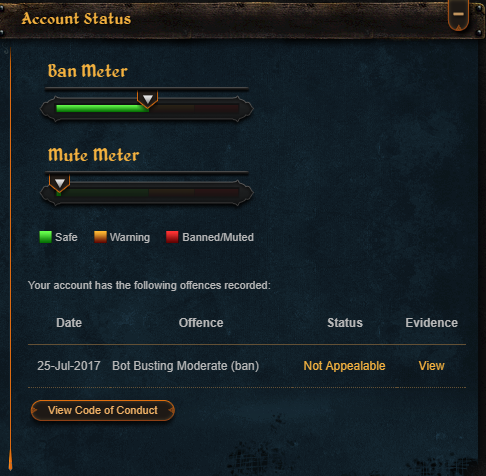
I know about the ban. Sad thing is, that I only botted 1 hour of hunter and got banned... wasn't planning on selling here either though.
-
I'd like to know how much I can expect to be paid for this account. I cleared the bank, so it has no bank value. It has a Void Mage Hat PM me if you wish to know more about it.
-
-
Just wait like 1 week. You'll most likely be fine.
-
EDITED in 2019; Y did I post this
-
Fletching could be nice I've tried multiple of your scripts now, and they work flawlessly. I'm considering to buy a few of them
-
This never happened to me. It works without any problems.
-
Perfect PestControl could be nice ;)
-
I know I just got a trial of PerfectFighter, but would it be possible for me to get a trial of PerfectFisher? ;)
-



