Jump to content
View in the app

A better way to browse. Learn more.

OSBot :: 2007 OSRS Botting

A full-screen app on your home screen with push notifications, badges and more.

To install this app on iOS and iPadOS
  1. Tap the Share icon in Safari
  2. Scroll the menu and tap Add to Home Screen.
  3. Tap Add in the top-right corner.
To install this app on Android
  1. Tap the 3-dot menu (⋮) in the top-right corner of the browser.
  2. Tap Add to Home screen or Install app.
  3. Confirm by tapping Install.

jed1c

Members
  • Joined

  • Last visited

  1. y my m8 said so!!! they like money yah know the $$$$$$$ so they no ban if they make money
  2. You will be banned if ur running a gold farm.
  3. jed1c replied to daamurda's topic in Botting & Bans
    Its possible but def not easy
  4. Are you sure about this? Same thing is said with wow, still my main was hit while my botfarm was running.
  5. jed1c replied to Aliasviejo's topic in Botting & Bans
    If they think you will bot again=perma If they think you wont bot again=2day
  6. Bot f2p accounts to the stats you want, then you wait 1-2 week and pray But you shouldnt bot if you care about the account.
  7. jed1c replied to jed1c's topic in Dispute Archive
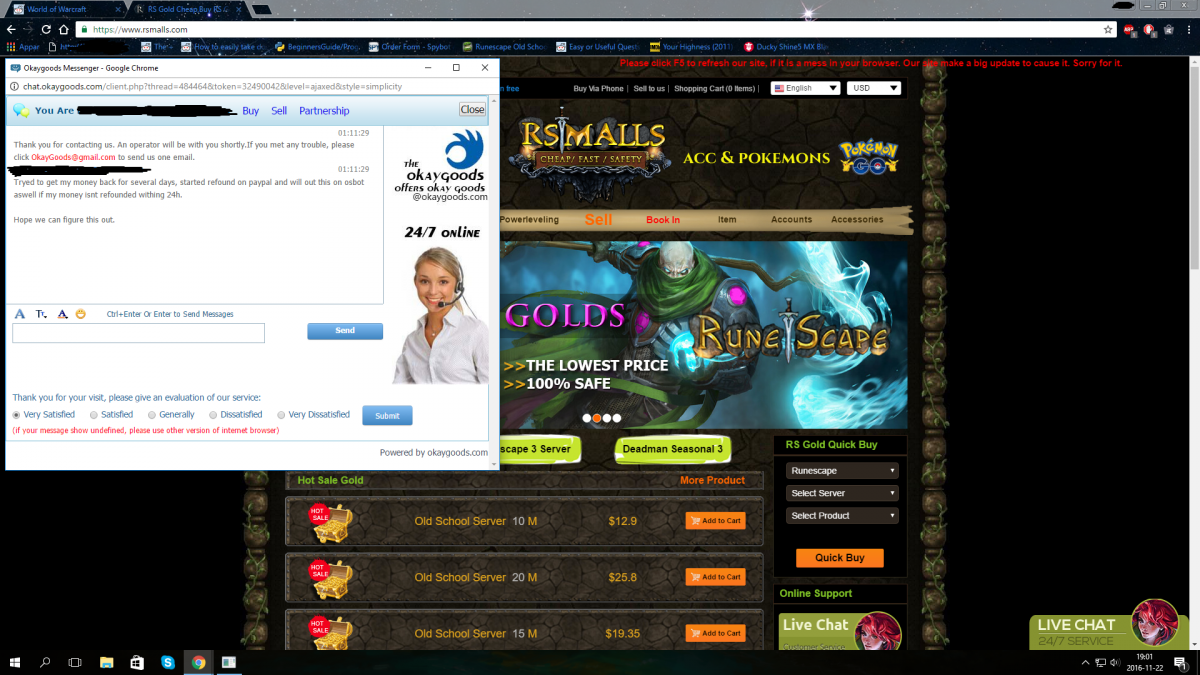
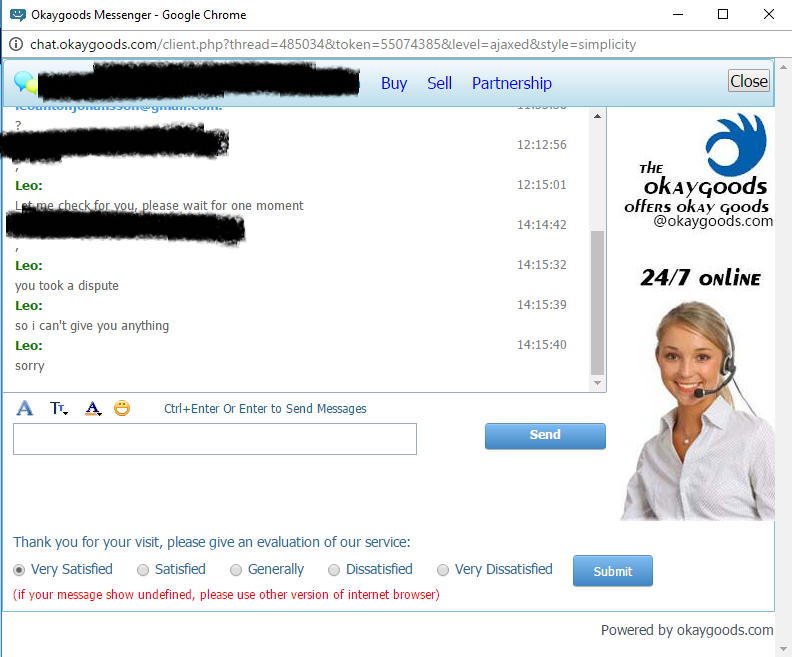
    wow, the 24/7 support answered me after 78h.
  8. jed1c replied to jed1c's topic in Dispute Archive
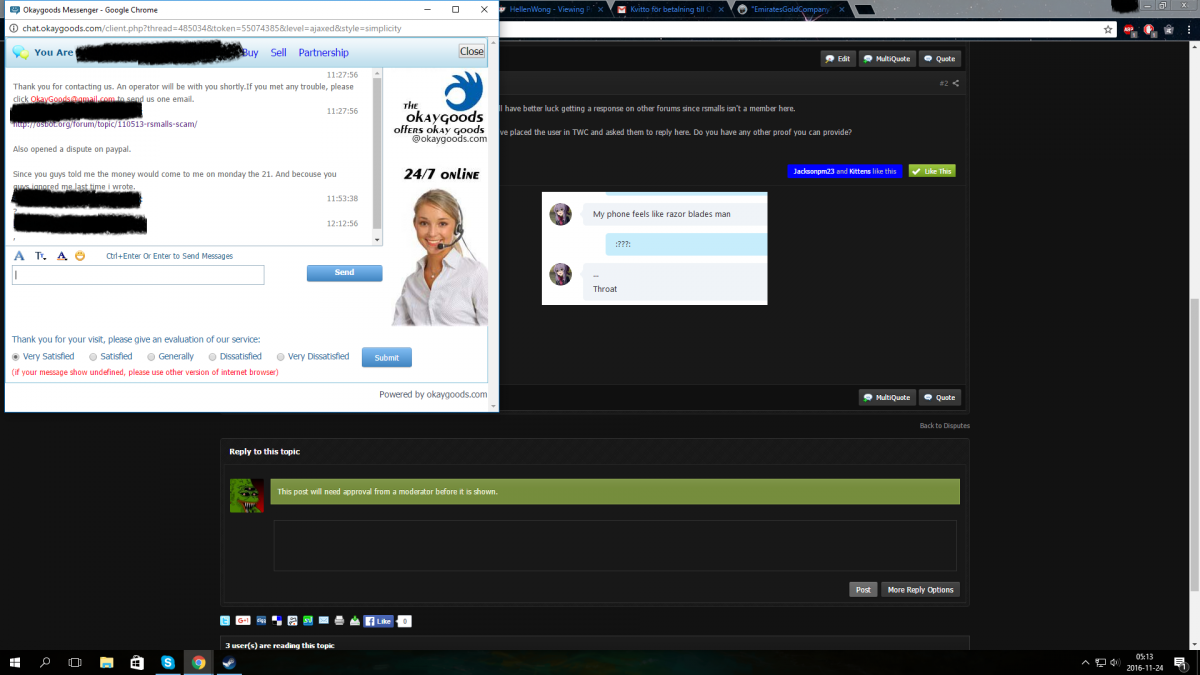
    Only more proof i have are that they are ignoring me.
  9. jed1c posted a topic in Dispute Archive
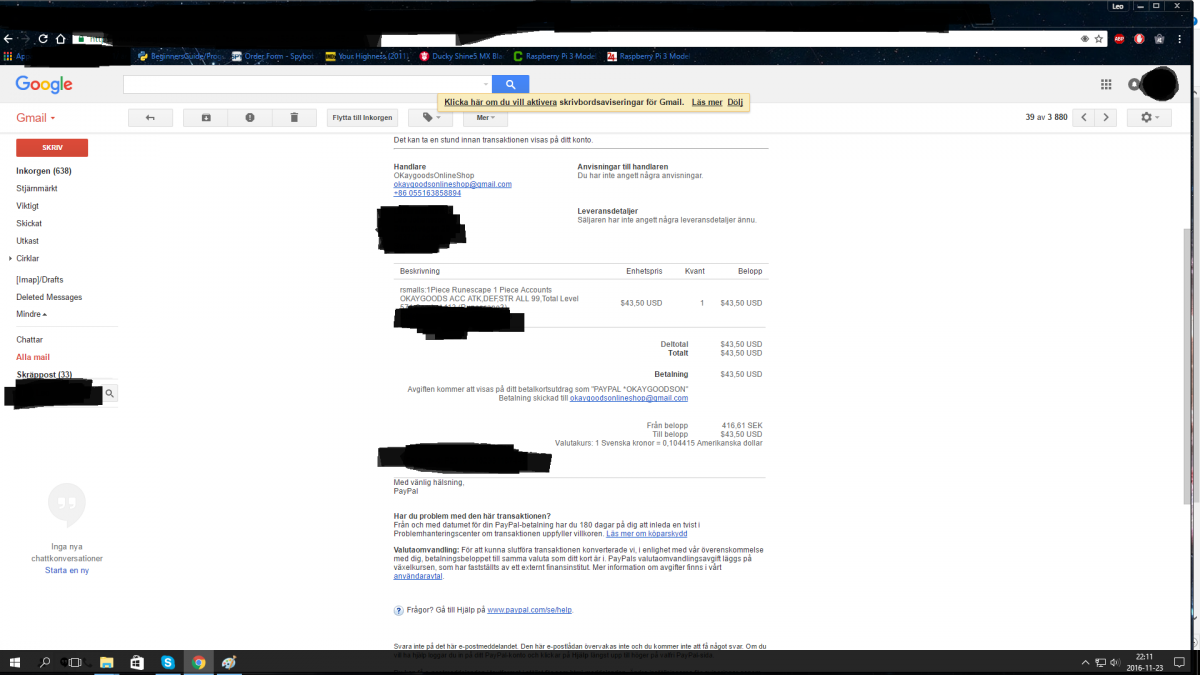
    So i ordered a rs3 account from them, days went and no account came. So i asked for a refound and they said they would refound me when the manager comes back. Manager never comes back and now they are ignoring me when ever i write to them. Stay away from them...
  10. Do you plan to add nmz? Or to make a seperate script? There is only a free one and im not comfortable with using it since so many use it.
Account

Navigation

Search

Configure browser push notifications

Chrome (Android)
  1. Tap the lock icon next to the address bar.
  2. Tap Permissions → Notifications.
  3. Adjust your preference.
Chrome (Desktop)
  1. Click the padlock icon in the address bar.
  2. Select Site settings.
  3. Find Notifications and adjust your preference.