osrs42
Members
-
Joined
-
Last visited
Everything posted by osrs42
-
I have had some luck with crashes it doesn't do it often.
-
Came across an issue not sure if its update related. When in ranging mode it doesn't do a good job picking up ammo from the ground. I tried tons of different combos in the loot section. None seem to be consistent on looting ammo. Also it wants to pick up ammo during combat sometimes when I turn that off in the setup . EDIT- Seems lately its picking up ammo like it should ????
-
mirror mode is working for me ( not using frost barrows )
-
If your in the west head to Las Vegas. Its worth the trip to see everything if you haven't been. I never been to California so can't suggest much. I hear Oregon and Washington are nice not sure exactly what there is to do there.
-
I've had hard luck with locks. I made accounts and tutorial and played the game on the same IP and it gets locked. I tried this on 2 different proxy companies. Only way I don't get locks is if I use my residential IP. But I can't bot on my PC with that many accounts . I been trying to find some residential proxies but ones I found they're hundreds of dollars or they're rotating.
-
-
-
I also did similar to what others have done above. I used to manually trade all my suicide bots to a mule which took a long time. Eventually I bought a private script which he added auto muling and it made things so much easier. I just logged in and they auto traded. Then in the evening I swapped from my mule to my "holder mule" which held the goods and sold off everything the bots got. You could get an auto mule script made for you it wouldn't cost a ton.
-
-
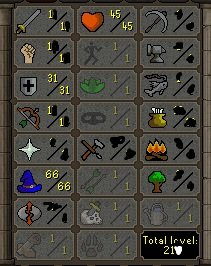
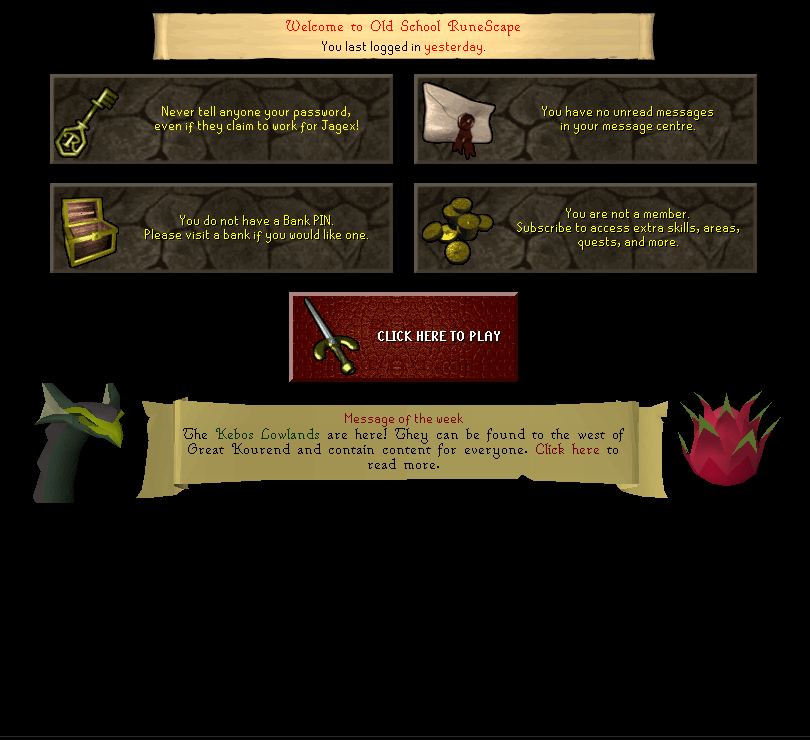
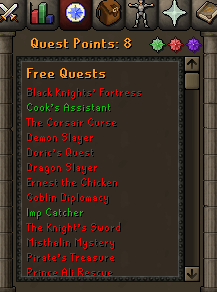
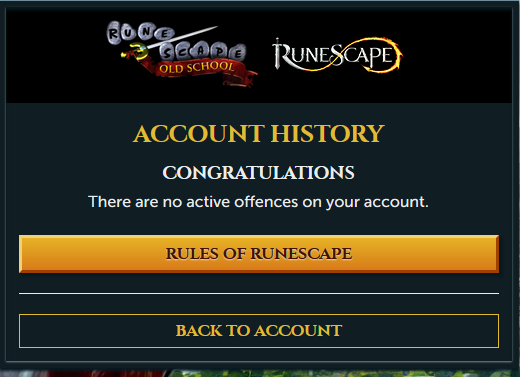
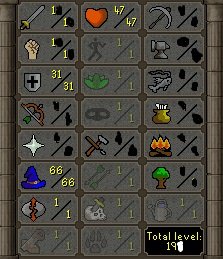
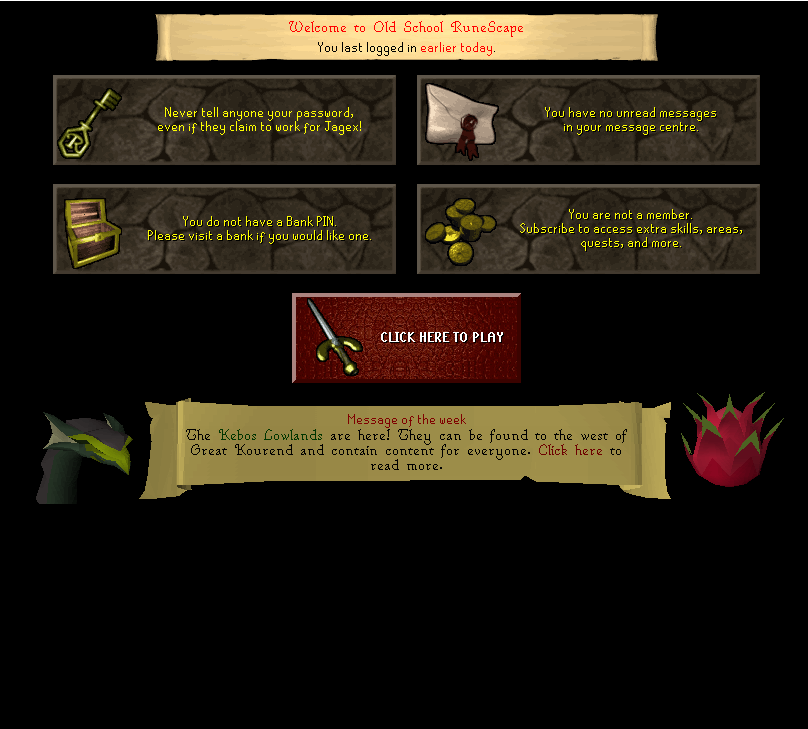
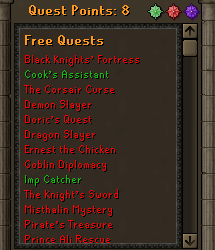
Hello I have 2 air orb ready accounts. Both accounts have unregistered emails. I will take 5m each or buy both for 9.7m OSRS gp only. ACC1 1. Pictures of the account stats 2. Pictures of the login details 3. Pictures of the total wealth (if there is any) NONE 4. Pictures of the quests completed 7. The methods of payment you are accepting OSRS GP only 8. Your trading conditions You go first. Account details will be given to you after. 9. Pictures of the account status 10. Original/previous owners AND Original Email Address Im the original owner Acc2 1. Pictures of the account stats 2. Pictures of the login details 3. Pictures of the total wealth (if there is any) NONE 4. Pictures of the quests completed 7. The methods of payment you are accepting OSRS GP only 8. Your trading conditions You go first. Account details will be given after trade. 9. Pictures of the account status 10. Original/previous owners AND Original Email Address Im the orginal owner.

-
-
Awesome. Looking forward to trying it out.
-
Can't want for the release on this. Will this support magic combat? Also will it support attacking caged monsters range/mage ?
-
When fighting monster in cages if I have teleport runes it is trying to click a teleport rune to attack the monster anyway to fix and just add left click it in the cage??@Czar
-
I have been using OSBot for a bit and never been hacked. Scan your computer. You could of picked something up. Or like others has said you could of used the same email/pw combo on other websites and they got it there.
-
Question. When mage killing monsters in cages the bot will click the spell then attack the monster. Sometimes clicking the spell 2 times per kill. I have auto cast setup. Is that working as intended ? If I get a level up it will left click on the monster to start attacking again as it should.
-
-
im with you they got 9/9 on my farm lol !
-
yes im using low CPU mode
-
any luck fixing the issue?
-
Seems the problem still exists on my end. It is still repeating the smelting process even though its already making cannonballs.
-
Well I used a fresh lvl 3 on official client on my home IP and no locks.
-
I am running the script on a dedicated server if that matters through a proxy. And I had all 5 accounts running stealth injection. I will try it again in a few minutes to see if any results change. But before I had 5 accounts running it and all 5 on different proxies had the issue.
-
yes you should be able to using vnc
-
Hello I been going through the forums searching for any info on locks. But never really found a solution that seems to solve the issue. I have tried 2 different datacenter proxy providers 1 is a very well known in the community and one I never seen mentioned in the forums any. From 5 minutes to a couple hours they all get locked on fresh LVL 3 accounts. I have tutorial accounts dating 7+ days to 250+ days and same result. My farm is basically ran ashore if you will when I can't stay logged in long enough to train up the accounts lol. Would training them up on my hope IP solve the issue?