Jump to content
View in the app

A better way to browse. Learn more.

OSBot :: 2007 OSRS Botting

A full-screen app on your home screen with push notifications, badges and more.

To install this app on iOS and iPadOS
  1. Tap the Share icon in Safari
  2. Scroll the menu and tap Add to Home Screen.
  3. Tap Add in the top-right corner.
To install this app on Android
  1. Tap the 3-dot menu (⋮) in the top-right corner of the browser.
  2. Tap Add to Home screen or Install app.
  3. Confirm by tapping Install.

Poopy

Trade With Caution
  • Joined

  • Last visited

Everything posted by Poopy

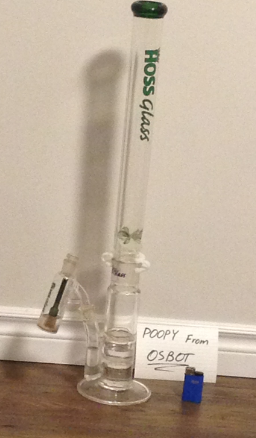
  1. SHOW ME YOUR BONGS GUYS!
  2. Poopy replied to Sib's topic in Requests
    pmed
  3. Poopy replied to Khaleesi's topic in Others
    thank you
  4. Poopy replied to Appie's topic in Price Check
    80,m
  5. Poopy replied to sasaeel's topic in Price Check
    i'd say 25m cause of that ban
  6. hasn't been working for me either.
  7. Poopy replied to Token's topic in Others
    this should be goooood
  8. Poopy replied to Casper's topic in Archive
    HOW MUCH?
  9. i sell you 150 fresh level 3's
  10. thank you man.
  11. 35mid say
  12. Poopy replied to jakeybob's topic in Price Check
    35m
  13. Poopy replied to Khaleesi's topic in Minigames
    30 smithing and membership? that's it? any quests?
  14. i will cum...once this happens.
  15. how long can it take from 20-99?
  16. Poopy replied to Khaleesi's topic in Minigames
    what are rreq?
  17. how is it looking atm?
  18. Poopy replied to Ninefingas's topic in Price Check
    if stats are quested maybe 16-20m?
  19. Poopy replied to haydn coulwill's topic in Resolved
    contact an admin.
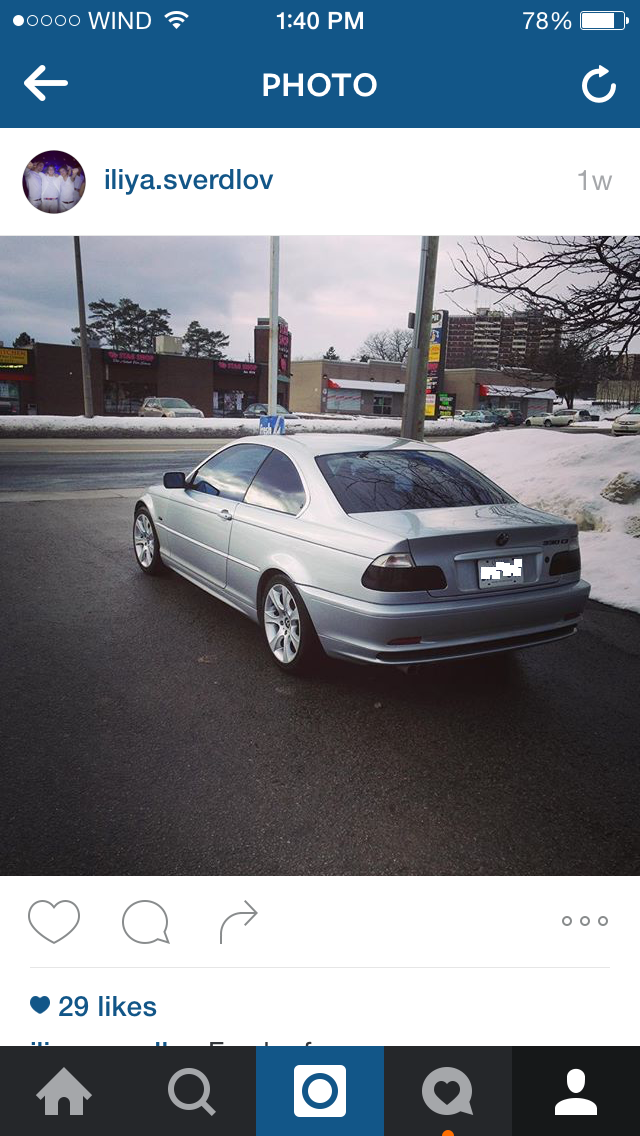
  20. Hey guys, so here are some pics of my e46 330ci 2001. I'm willing to give away 3 fresh level 3 accounts to the person that gives me the best name for it. give me a follow and ill be sure to follow you back

  21. thanks guys! setting up store soon!
  22. may buy something ;)

Account

Navigation

Search

Configure browser push notifications

Chrome (Android)
  1. Tap the lock icon next to the address bar.
  2. Tap Permissions → Notifications.
  3. Adjust your preference.
Chrome (Desktop)
  1. Click the padlock icon in the address bar.
  2. Select Site settings.
  3. Find Notifications and adjust your preference.