kiswaniessam
Members
-
Joined
-
Last visited
Everything posted by kiswaniessam
-
Great script man, got me to level 70! Hopefully will use it to get me further.

-
I can please have a free trail of your "Perfect Miner". Just curious does it support world hopping? Thanks.
-
Hello, can I please have a free trial? Do you need anything from you in-order to give me one? Thanks.
-
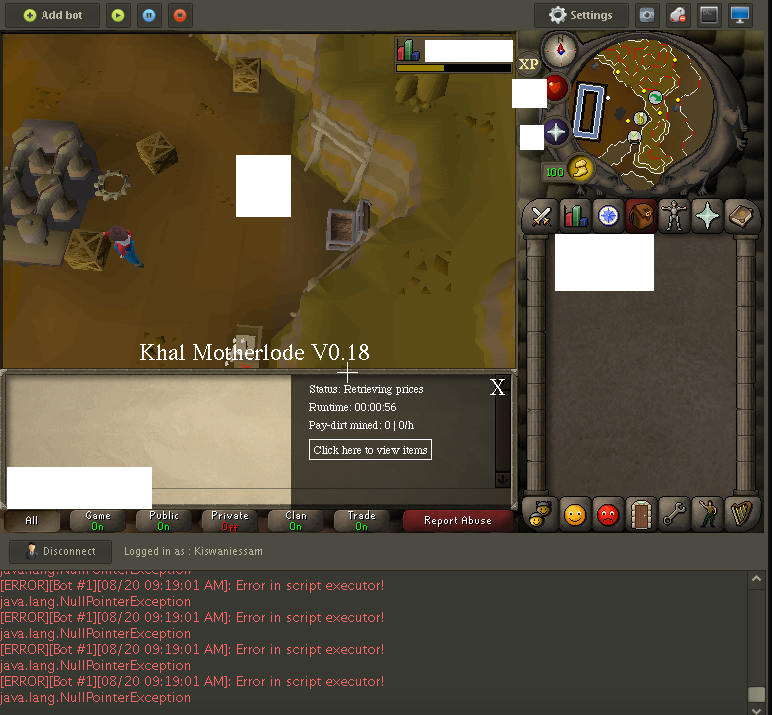
So, The client seems to work fine. However, whenever I run the script it lags HARD and refuses to work. please see the photo attachment. Hope I helped, Thank You. EDIT: Updated client. Script is running just fine. No Worries.

-
Hey! script works great again. Props on the awesome script! Very well done.
-
Really interested in this, can you give me a free trial? Thanks.
-
What is the issue? Banking is not working correctly (won't remove clean ores from sack; eventually will get stuck at the hopper) - What is your setup? (Using special attack, shortcut) anti-ban avoid people