Jump to content
View in the app

A better way to browse. Learn more.

OSBot :: 2007 OSRS Botting

A full-screen app on your home screen with push notifications, badges and more.

To install this app on iOS and iPadOS
  1. Tap the Share icon in Safari
  2. Scroll the menu and tap Add to Home Screen.
  3. Tap Add in the top-right corner.
To install this app on Android
  1. Tap the 3-dot menu (⋮) in the top-right corner of the browser.
  2. Tap Add to Home screen or Install app.
  3. Confirm by tapping Install.

Mortician1990

Members
  • Joined

  • Last visited

  1. Mortician1990 replied to Fruity's topic in Minigames
    Is there a reasonable way to set up this bot for pures?
  2. May I get a trial please?
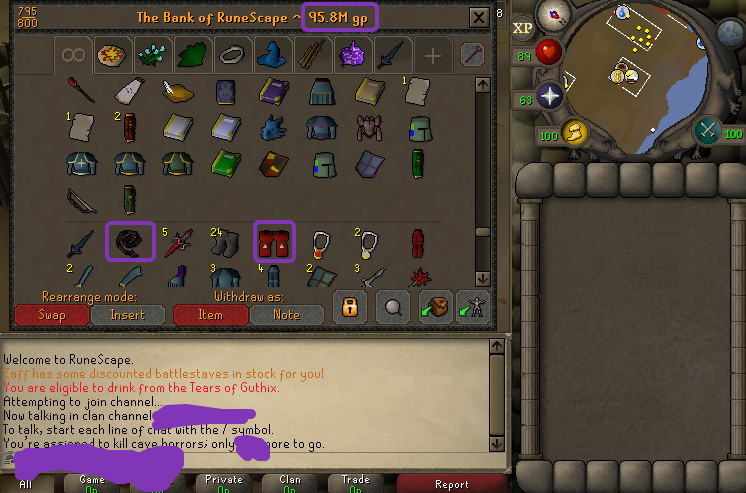
  3. Just wondering what an ironman of the caliber would bring. Should add there's no bans, only a minor mute for offensive language. Account also has 2 fire capes, all void sets, torso, fighter hat, barrows gloves, most Nightmare Zone items achieved such as Slayer (I) and Salve ammy (EI) x2, dragon defenders, and some achievement diaries up to medium/hard complete.
  4. in aide of myreque one small favour kings ransom lumbridge guide monkey ambassador sir amik varze rfd final fight
  5. i bet profile wins
  6. gl buddy lol
  7. Hey can you add my skype? I'll send a pm soon
  8. Looking for a somewhat affordable zerker, can need a little bit needed to be perfect. Message me on Skype: mortician1990

Account

Navigation

Search

Configure browser push notifications

Chrome (Android)
  1. Tap the lock icon next to the address bar.
  2. Tap Permissions → Notifications.
  3. Adjust your preference.
Chrome (Desktop)
  1. Click the padlock icon in the address bar.
  2. Select Site settings.
  3. Find Notifications and adjust your preference.