trey029
Members
-
Joined
-
Last visited
Everything posted by trey029
-
I've probably gained 50k points with this script
-
-
-
Under priced script , Very good for training 90+ strength on a prod account
-
99 range 72 hp 2 days ago , THanks ! STarted at 89, 99 only took a week or so . @ day ban today from warriorguild barrel script though, prob going to legit the rest lol since im 96 str 99 range low hp
-
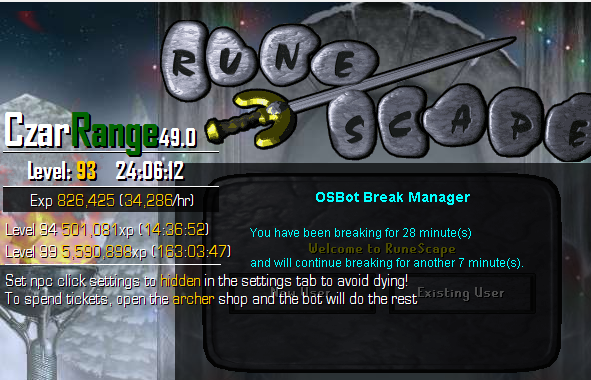
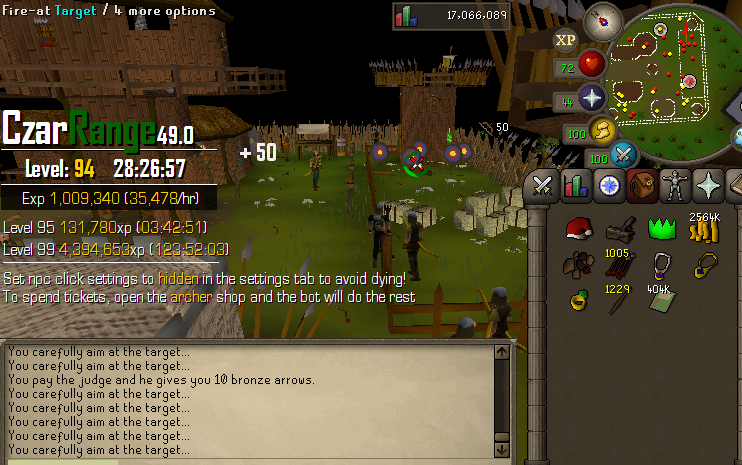
Perfect. Only twice has the script stopped! When i forgot to hide attack NPC and when i had to use the monthly google authentication login. Other than that been able to run the bot for 24 hours breaking roughly 30mins every few hours, a nice low cost 35k/hour script possibly 40k/hr with absolutely no breaks!
 Cant fully download the file. Cant find the .Jar fileStandard Mode , Novice Boat . The script will get you full void in under 30 hours , depending on how good the teams are at any given time.Would be 34 points/hr but i took a 3 or so hour break in therePage 14 Proggy 4/20/15 Novice Boat - Quick Prayer (ult str , Super reflex) - Auto Retaliate ( Off) - No Potions88-95 range on a pure with this =Dcould i get a test runthat would be sweet , bc combat pots give str/attk/def 10% + 3. Same as the individual potionsAre regular combat pots supported