Leaderboard
-
minewarriors
Scripter II1Points257Posts -

ProjectPact
Script Factory Developer1Points6493Posts -
str1de
Members1Points85Posts -
progamerz
Scripter II1Points3487Posts



Popular Content
Showing content with the highest reputation on 12/25/21 in all areas
-
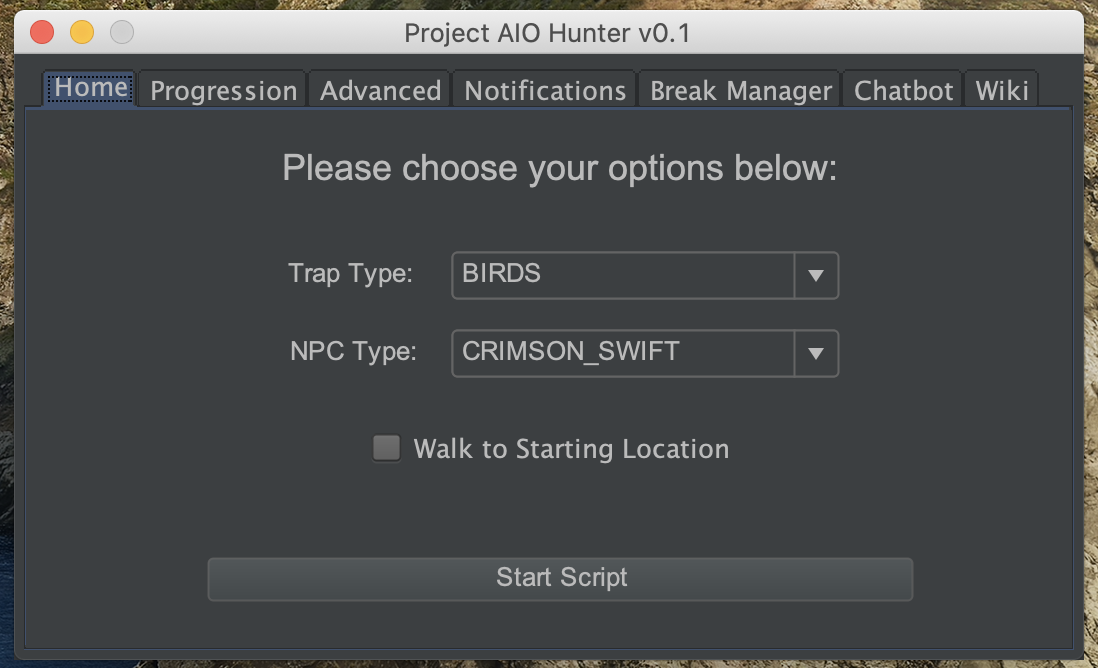
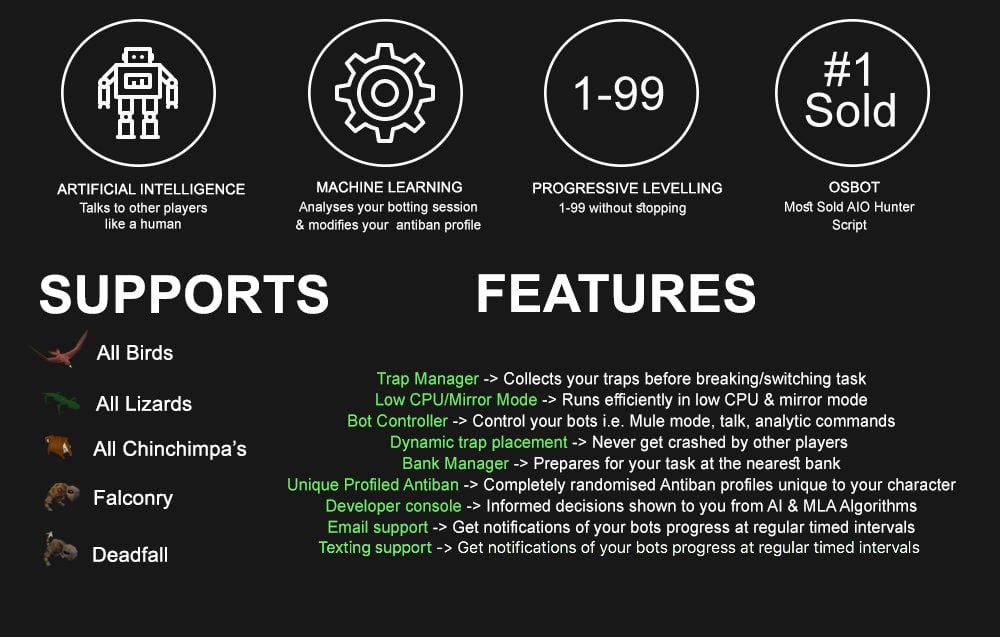
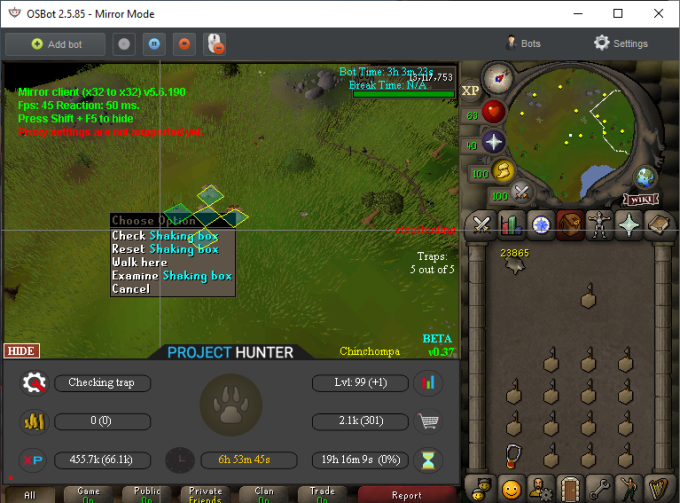
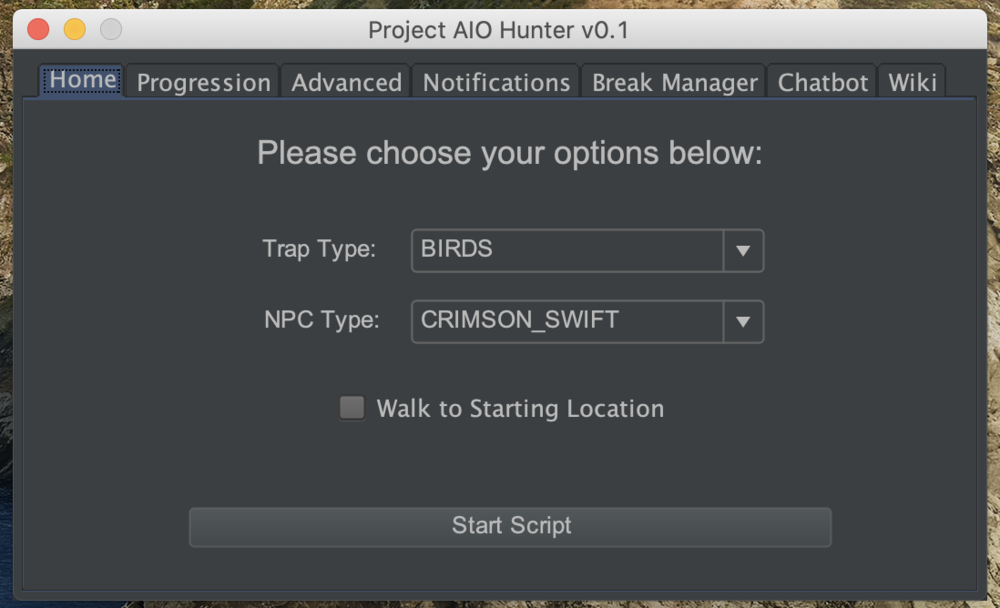
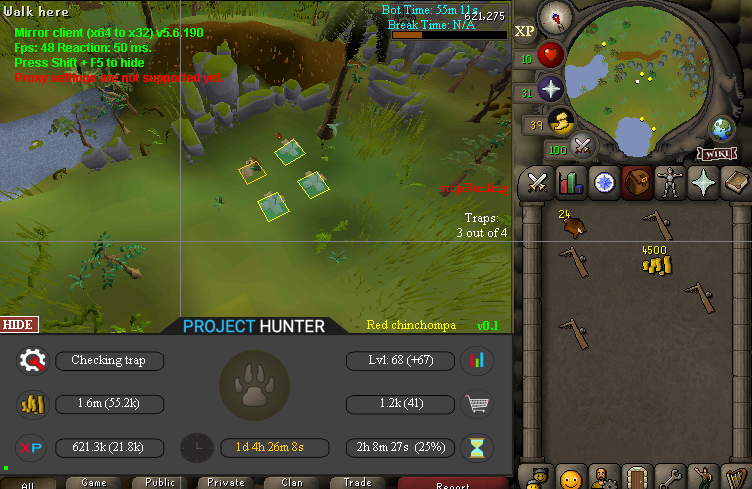
1 pointPPOSB - AIO Hunter Brand new trapping system just released in 2024! *ChatGPT Supported via AltChat* https://www.pposb.org/ ***Black chinchompas and Black salamanders have been added back*** Supports the completion of Varrock Museum & Eagle's Peak OR CLICK HERE TO PAY WITH 07 GOLD! The script has been completely rewritten from the ground up! Enjoy the all new v2 of the script JOIN THE DISCORD CHAT FOR QUESTIONS/ SUPPORT/ CHATTING/ UPDATES! New GUI: Features: Click Here Current functioning hunter tasks: (green - complete || yellow - started || red - incomplete) Screenshots: Progressive Leveling: 1-19 --> Crimson swift 19-43 --> Tropical wagtail 43-63 --> Falconry 63+ --> Red chinchompas Updates How to setup Dynamic Signatures Report a bug CLI Support - The script now supports starting up with CLI. The commands are given below. Please put in ALL values (true or false) for CLI to work properly. Make sure they are lowercase values, and they are each separated with an underscore. The script ID for the hunter bot is 677. Parameters: EnableProgression_EnableVarrockMuseum_EnableEaglesPeak_EnableGrandExchange Example: -script 677:true_true_false_true ***Don't forget to check out some of my other scripts!*** OSRS Script Factory Click here to view thread LEAVE A LIKE A COMMENT FOR A TRIAL The script is not intended for Ironman accounts. It still works for Ironman accounts, but you must have all equipment, gear, and items.


 1 point
 -
1 point
-
A little christmas present from me to you guys Share it with your friends I would say (helps me out a lot too!) and if you not yet have gotten your @👑Fishing & Cooking👑 status, then verify it with me asap! 👉 https://youtu.be/BA88HSHvu0A 👈1 point
-
1 point