Skip to content
View in the app

A better way to browse. Learn more.

OSBot :: 2007 OSRS Botting

A full-screen app on your home screen with push notifications, badges and more.

To install this app on iOS and iPadOS
  1. Tap the Share icon in Safari
  2. Scroll the menu and tap Add to Home Screen.
  3. Tap Add in the top-right corner.
To install this app on Android
  1. Tap the 3-dot menu (⋮) in the top-right corner of the browser.
  2. Tap Add to Home screen or Install app.
  3. Confirm by tapping Install.

Name crisis

Featured Replies

Just changed my name from WeinerNoggle to Tr33. Now I don't know if I want it to remain Tr33 or make it TR33... The way it is now makes it seem like it is the initials t.r. and then 33 to me. I was aiming for it to look like the word Tree seeing as that is my nickname in the outer worlds.


I need help deciding.

  • Author

TR33

Good job. Me gusta mucho happy.png

  • Author

set this as ur profile pic

100px-Tree.png

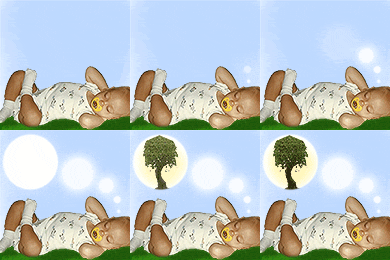
I would but I just went through the trouble of scanning my cool baby picture so that pic needs to run its course now until I get tired of it.

Get the picture of the tree and remain the username as TR33 with the capitals.

Create an account or sign in to comment

Recently Browsing 0

  • No registered users viewing this page.

Account

Navigation

Search

Search

Configure browser push notifications

Chrome (Android)
  1. Tap the lock icon next to the address bar.
  2. Tap Permissions → Notifications.
  3. Adjust your preference.
Chrome (Desktop)
  1. Click the padlock icon in the address bar.
  2. Select Site settings.
  3. Find Notifications and adjust your preference.