Skip to content
View in the app

A better way to browse. Learn more.

OSBot :: 2007 OSRS Botting

A full-screen app on your home screen with push notifications, badges and more.

To install this app on iOS and iPadOS
  1. Tap the Share icon in Safari
  2. Scroll the menu and tap Add to Home Screen.
  3. Tap Add in the top-right corner.
To install this app on Android
  1. Tap the 3-dot menu (⋮) in the top-right corner of the browser.
  2. Tap Add to Home screen or Install app.
  3. Confirm by tapping Install.

Vertigo Designs

Featured Replies

Hello, Im Vertigo and this is my graphics thread.


What I use:

Adobe Photoshop CS6

Adobe Illustrator CS6

Cinema 4D

Adobe After Effects CS6


What I make (not limited to) :

(Animated/3d/2d)


Thread designs

Avatars

Signatures

Youtube Banners

Website Banners

Paints


My Portfolios:

Carbonmade

Behance


To Order:

-Have a decent understanding of what you want

-Must Comment on this thread

-Must PM me

-Must have a skype


Prices

-I am very flexible and work around your budget.

-I accept RSGP and Paypal.


Some Recent Work


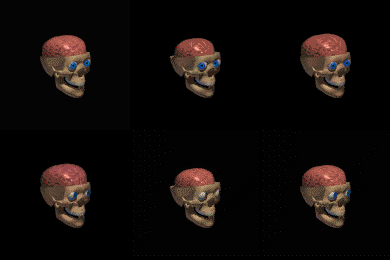
q0oaZLG.gif

3WD4gWz.gif

KM3GNWs.png

zGcqZyD.png

5zj6vI2.png

QQmtRJI.png

ZQ8J2S0.gif


Thread layout soon.

Edited by Vertigo

He made a banner for my site. Amazing work for a great price.

That stuff on Behance is amazing. I just feel as if your latest signature is not up to par with your previous work. I'm having doubts whether thats really you. If it is, my bad, you're actually very good.


Create an account or sign in to comment

Recently Browsing 0

  • No registered users viewing this page.

Account

Navigation

Search

Search

Configure browser push notifications

Chrome (Android)
  1. Tap the lock icon next to the address bar.
  2. Tap Permissions → Notifications.
  3. Adjust your preference.
Chrome (Desktop)
  1. Click the padlock icon in the address bar.
  2. Select Site settings.
  3. Find Notifications and adjust your preference.