lukec7
Members
-
Joined
-
Last visited
-
No I mean login username and password eventho correct does not allow you to login into the old client if you upgraded to jagex account which means you cant login to old client which is the only client osbot supports so I basically can't use osbot.
-
Is there any workaround for accounts that "upgraded" to jagex accounts to login to old launcher? Otherwise I spent VIP for nothing.
-
-
Um if you try to cage lobsters on karamja whatever settings you do it just logs you out, whats that all about?
-
The hammer isnt dropped if you select deposit/withdraw after he fixes the wheel. Same if you dont select it and picks it up from the floor.
-
Very nice script, works flawlesly now.
-
Yes im using food mode, and if you dont choose eat food if inventory full it continues to train, im ranging at cows, with loot arrows. Ive found a workaround but option to just go to bank when ur full inv sound better.
-
Why does it not bank when theres full inventory of loot?
-
lol didnt even realize.. ty mate works like a charm now.
-
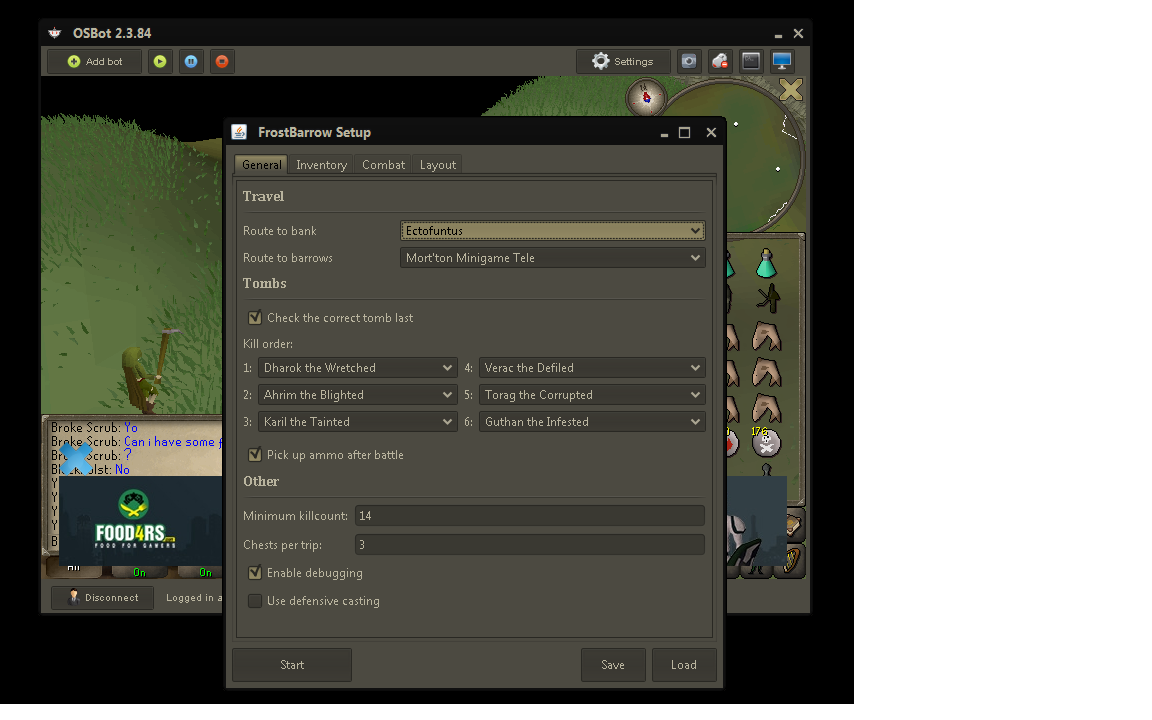
Here you go: file:///C:/Users/LadinikFTW/Desktop/Evidence2.png file:///C:/Users/LadinikFTW/Desktop/Evidence3.png file:///C:/Users/LadinikFTW/Desktop/Evidence4.png the rest of the gui

-
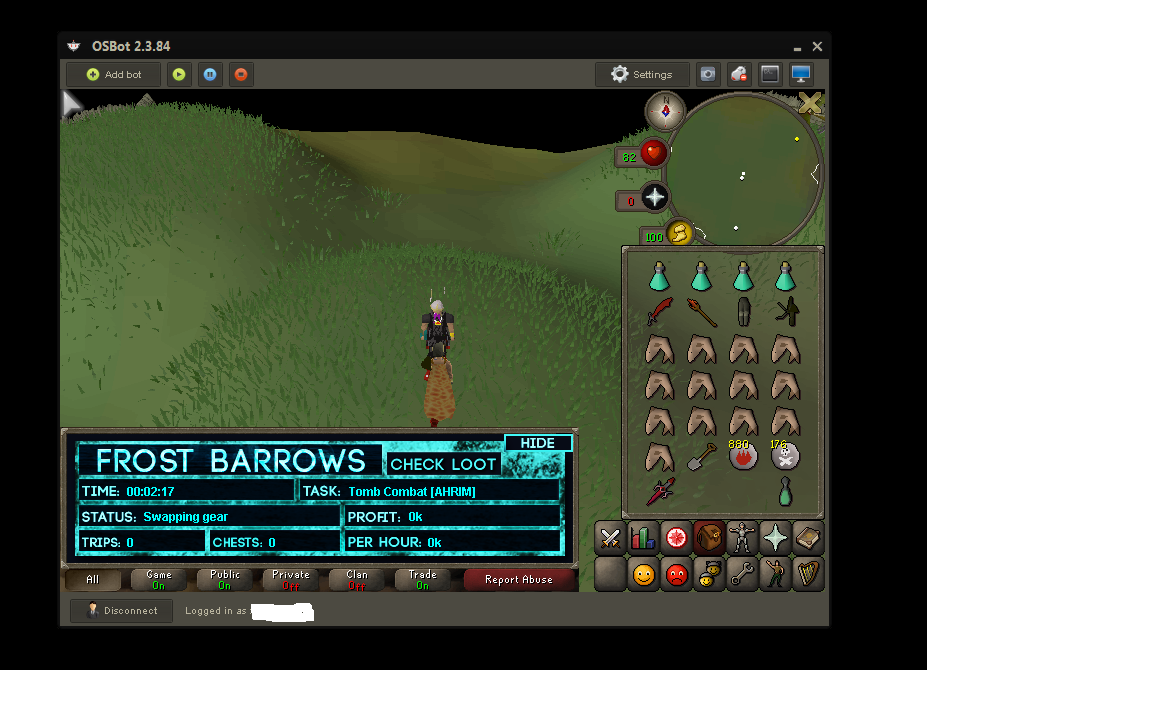
I did set it up just the way i needed to and it still doesnt do anything mind telling me whats really important so if its wrong it wouldnt work? It keeps saying swapping gear eventho im setup like i need to be...
-
The bot for some reason doesnt work for me... i came to the barrows started it and it doesnt do anything i had it setuped be4.