
Casper Ghost
Members
-
Joined
-
Last visited
Everything posted by Casper Ghost
-
272204942176157706
-
Hi, wanted to try out tzar thiever
-
add me on discord kerim#4739
-
bump FOR CHEAP
-
BUMP
-
bump
-
offer me . https://osbot.org/forum/topic/151742-selling-med-main-with-nice-stats/?tab=comments#comment-1844758
-
i have one but with high stats xd
-
Bump
-
Bump
-
bump
-
bump
-
BUMP
-
bump
-
Bump
-
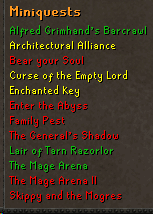
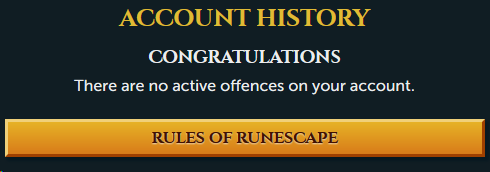
1. Pictures of the account stats 2. Pictures of the login details 3. Pictures of the total wealth (if there is any) No wealth will be left on the account 4. Pictures of the quests completed 5. The price you will be starting bids at 100M 07 6. The A/W (Auto-win) for your account - 7. The methods of payment you are accepting osrs gp 8. Your trading conditions We will use a Middleman 9. Pictures of the account status 10. Original/previous owners AND Original Email Address I am the OO the email will be changed to yours.
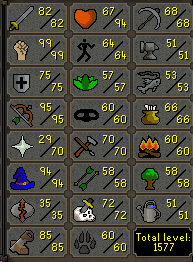
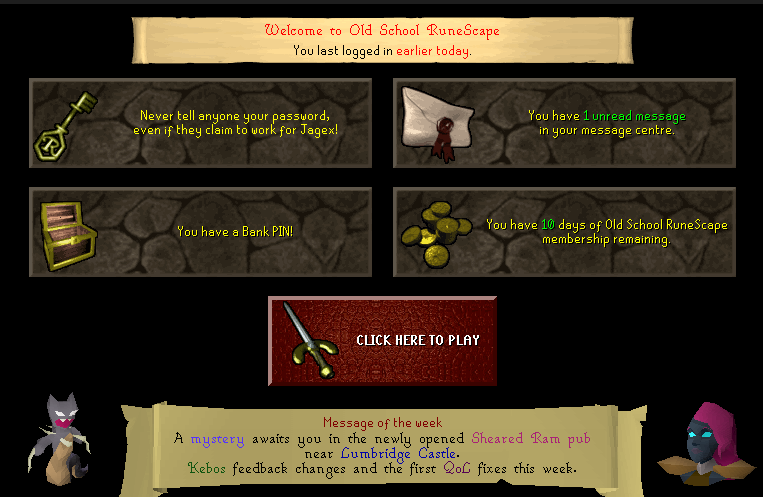
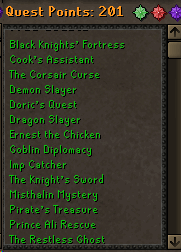
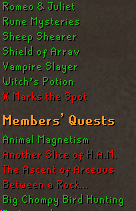
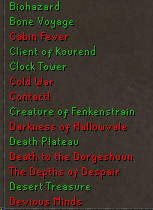
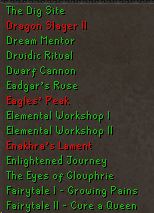
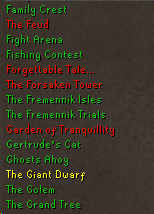
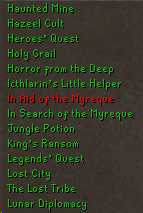
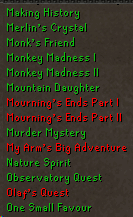
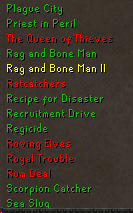
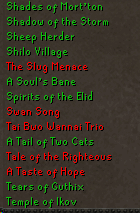
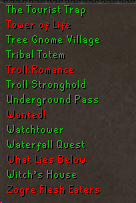
-
get into Dbuffed discord: https://discord.gg/Nf7btxB
-
-
Invite This Guy To The Discord<3 @Dbuffed
-
@Dbuffed @lukkeis
-
Bought Vip for using mirrror mode but still couldn't use it...
-
@Fruity
-
-
@Maldesto I already told @Patrick about this issue, he told me he is not for mirror mode. he sent it to the mirror mode team.
-
i have same problem