gibz
Members
-
Joined
-
Last visited
Everything posted by gibz
-
2 accounts BF ready!
-
How much for 10 accounts with coal bag?
-
Script name: blast furnace Your member number: 71577 PleeeaaaassssseeeeeexD Edit: I can't find my member number Edit:edit :found it 71577
-
CzarMinotaurs (PRO) Please =D
-
I will try these when I get back onto my desktop. Note: It's running fine on my Windows 8.1 laptop Thanks
-
-----Trial Request----- User ID:5932 Script(s):zen fighter Duration(Max 6h):24h -----------------------
-
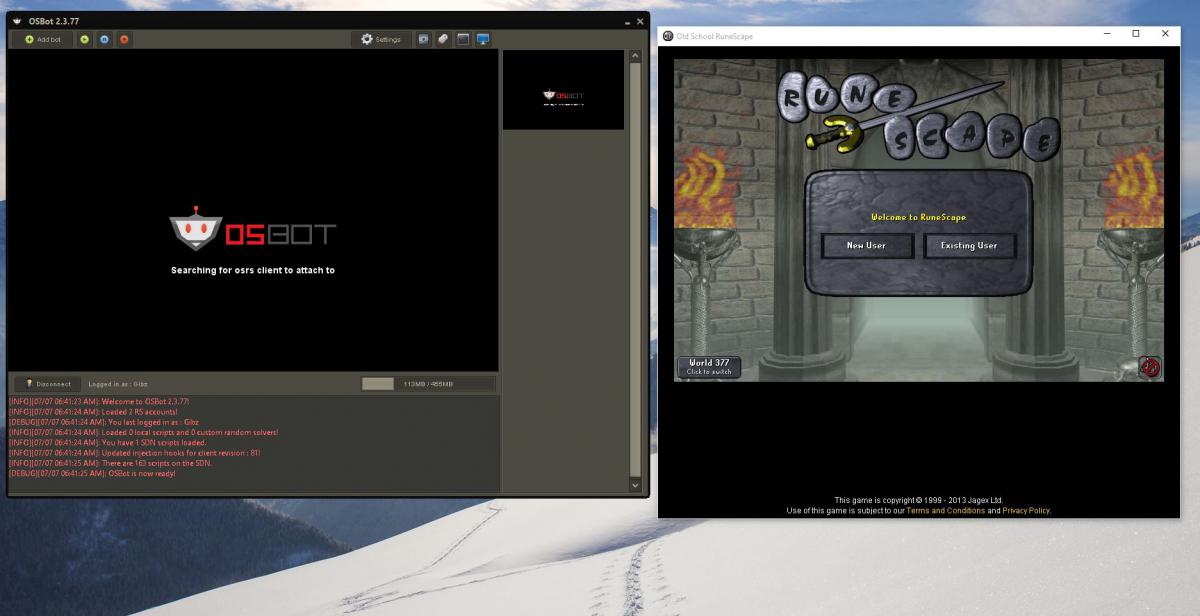
Maybe this is an issue with me having Windows 10, but the mirror mode won't make it passed the "searching for client to attach to" phase of the execution........ but stealth injection will. Suggestions please?