Jump to content
View in the app

A better way to browse. Learn more.

OSBot :: 2007 OSRS Botting

A full-screen app on your home screen with push notifications, badges and more.

To install this app on iOS and iPadOS
  1. Tap the Share icon in Safari
  2. Scroll the menu and tap Add to Home Screen.
  3. Tap Add in the top-right corner.
To install this app on Android
  1. Tap the 3-dot menu (โ‹ฎ) in the top-right corner of the browser.
  2. Tap Add to Home screen or Install app.
  3. Confirm by tapping Install.

wackhoz

Members
  • Joined

  • Last visited

Everything posted by wackhoz

  1. any trials =)?
  2. wackhoz replied to Token's topic in Others
    can you not use this one on ironmen. even when igot all the items it goes to tyhe GE to try buy stuff, am i missing somthing?
  3. wackhoz replied to Token's topic in Others
    got an issue with waterfall quest. it just tries to buy a bond over and over.
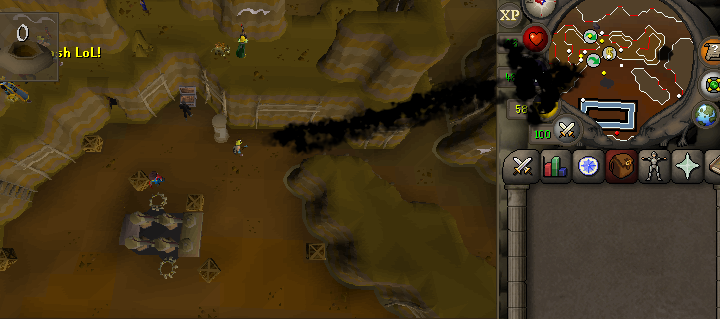
  4. I think i found a bug with the script. after banking its always running up here to mine that shortcut rock. then it stops for a few. then it runs to desired area. Just letting ya know ! :]
  5. awesome ๐Ÿ˜ƒ
  6. Thanks!
  7. is a trial for this one possible =)?
  8. Sweet ! was working fine before the update. You rock !
  9. It goes to right click one node and then left click the node next to it. and it continues to do so. tried diffrent stations and the manual select thing. im just gona give it a day since its been an update ๐Ÿ˜ƒ
  10. Have an issue where i run back and forth from two nodes. script issue or me being stupid?
  11. Been doing the trial and iam sold. its now being added to the collection !
  12. Trial =)?
  13. wackhoz replied to Czar's topic in Money Making
    been eyeballing this one. is it possible to get a trial to test it out?
  14. Is there a trial =)?

Account

Navigation

Search

Configure browser push notifications

Chrome (Android)
  1. Tap the lock icon next to the address bar.
  2. Tap Permissions โ†’ Notifications.
  3. Adjust your preference.
Chrome (Desktop)
  1. Click the padlock icon in the address bar.
  2. Select Site settings.
  3. Find Notifications and adjust your preference.