justbry
Members
-
Joined
-
Last visited
-
can i get free trial?
-
can i get a trial?
-
is blackjacking supported on this?
-
can you add on the script to add one inventory of gold to the furnace and then banking again to grab more gold ore before getting the first gold bars, so theres no delay waiting for bars at the bottom. I just manually added gold ores before running the script and went to get another inventory of gold ores before taking the bars and it ended up depositing the gold ore and grabbing the bars first without putting the second inv of gold ore..
-
hey the gold smithing with gold gauntlets isnt producing the XP the osrs wiki is saying it should. At most my guy is make 160k-170k xp per hour where online says it should be reaching 300k+ xp I notice it takes its time after grabbing the gold bar and goes through the whole dialogue... Can you share the best setting to get the said XP ?
-
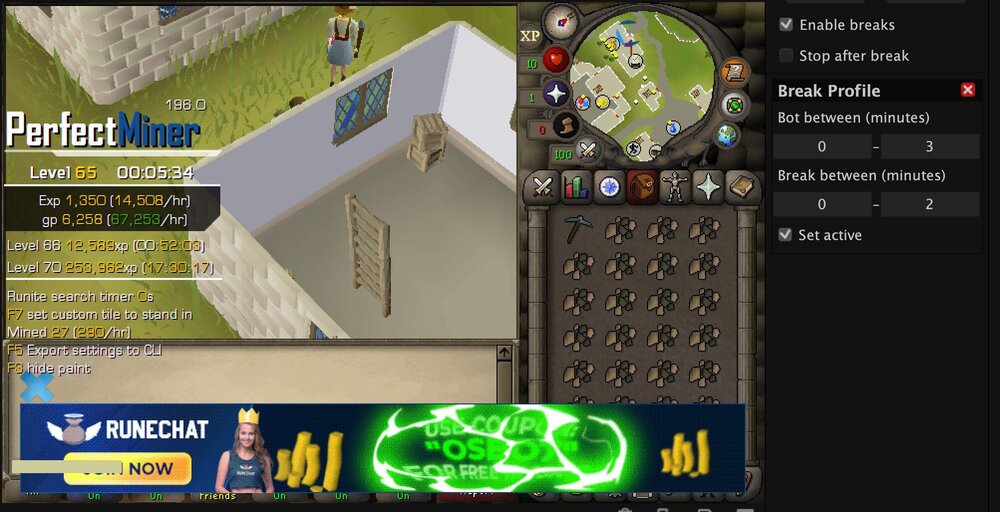
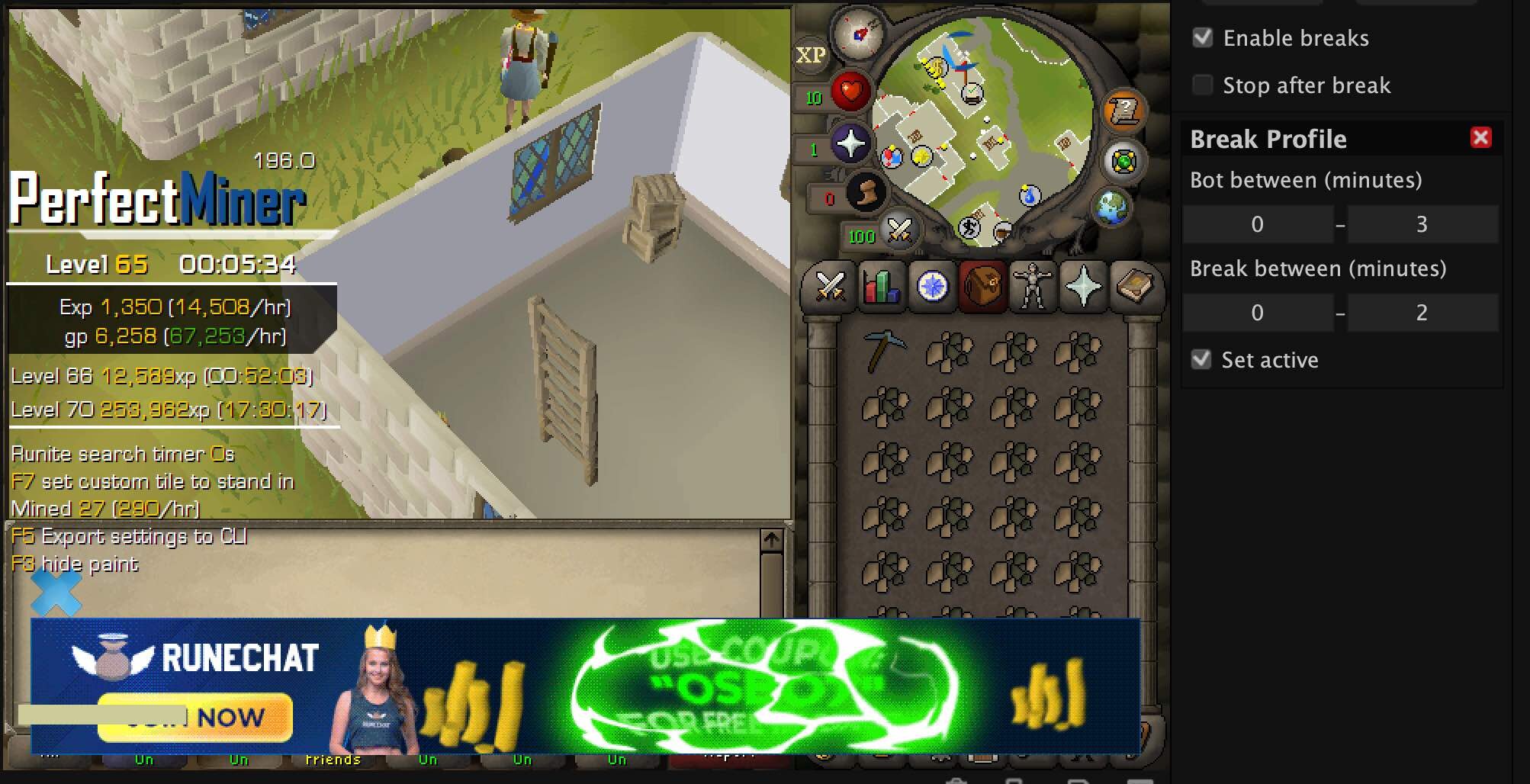
how do you use the break profile? if i set it to bot for 50hours on the (bot between) row.. and the between between for 1 hour.. will that take a break every hour..? or do i have to make multiple break profiles? if so how do i input it to log in after break?
-
the break setting under "break profile" doesnt seem to work.. I tried testing for the break setting and it didnt stop to take the break and just kept going