ketakarel
Members
-
Joined
-
Last visited
Everything posted by ketakarel
-
Think you should look into the teleporting some more. It's walking back like 7 out of 10 times even without being tbed and wearing a charged glory. Makes the bot look broken and most likely gonne get you banned faster. Loving the money from the black chins but I think it needs a bit more love.
-
By all means I know the bot is gonne die alot. It's just indeed the long scrolling that seems to be the problem.
-
Started doing black chins today. Noticed a few flaws with it. - Scrolls thrue worlds instead of istant logging out when a pker is in range making the bot die almost 100% of the time. - Randomly runs back to edge instead of using the charged glory which it is wearing.
-
It still does this.
-
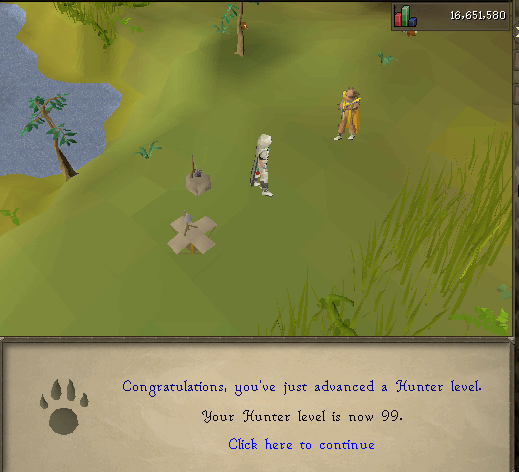
Works very well. Got one issue tho. When starting the script outside it's waiting for the rift to close and spam clicks the door and stops right before it can actually enter. Making me have to manually enter the minigame. When im in it works just fine. Maybe I did something wrong on the settings?Could I grab a trial ?:DNo need for trials. The bot works flawlessscript doesnt start for me anymore. I get the load out pop up and when I hit start script it doesnt do anything. Closed the client a few times but it still just keeps standing there. The interface says waiting thats all. Got 98 hunter so far without any problems, didnt change anything either. ---------- Script works flawless yet again. Can recommend
 Pmed you