





SwiftKD
Members
-
Joined
-
Last visited
Everything posted by SwiftKD
-
 Online and update stock!
 -
Still online for some quick sales!
-
Online taking custom orders!!
-
Online
-
Bump
-
Payment methods? LTC, BTC, Dutch people can pay with Tikkie! Contact me via discord, if you are intrested in buying if you want to buy all we can do 0,25$ per mil Stock currently : 1000m+
-
Bump
-
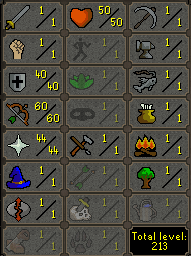
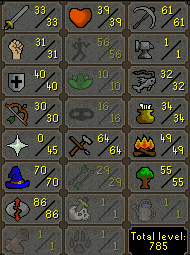
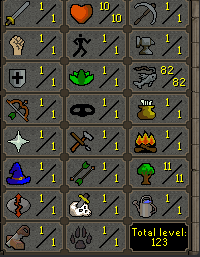
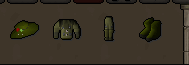
Selling multiple type of account build or custom builds whatever you need we got it for you! All of the accounts will come with unregistered email. All accounts are handmade tutorial island all done on residential usa proxies I accept for each account OSRS GP or LTC, BTC, Dutch people can pay with Tikkie! Also accepting Stripe Now! (Pay with creditcard) Air orber 400 TTL Mules Blasting Furnace accounts! Revenant accounts: Runecrafters 82 Fishing Full Angler's Oufit Handmade tutorial island accounts
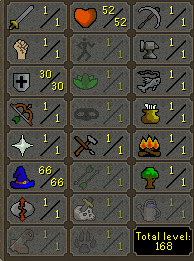
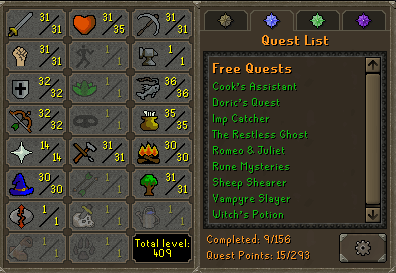
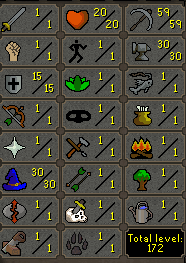
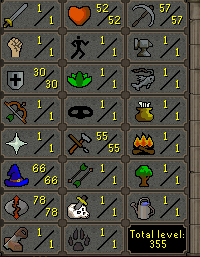
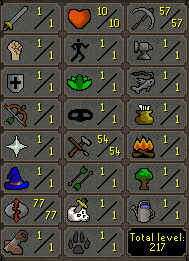
-
Bump
-
Bump
-
Selling 14 Day Membership Codes Price: $2 Stock: 22+ Payment Options: BTC, LTC, Stripe (Pay with Creditcard)
-
Title is the question thanks for whoever can help me out
-
If i make a fresh account and do waterfall could i easily bot to 70/70/70 combat stats without a ban or its RNG?
-
Is fremmenik trials and lunar diplomacy not possible to add in the bot?
-
Did you do any testing like 10 accounts and see if any of them get banned or what the ban rate is using this NMZ script.

