ant ste
Members
-
Joined
-
Last visited
-
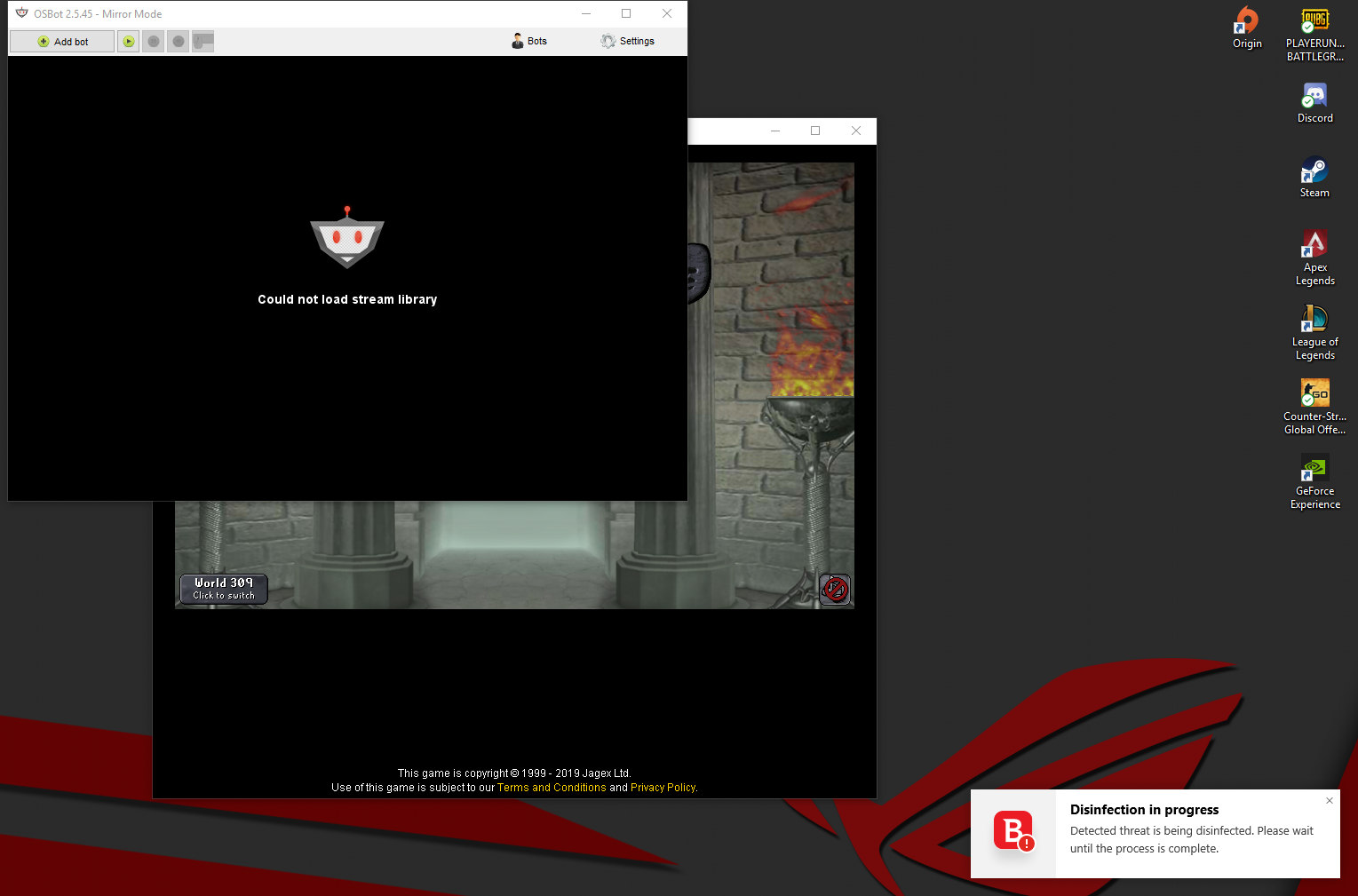
hi every time i try to launch mirror mode i get this and my antivirus (bit defender) blocks it and moves it to quarantine ive tired to add it to exepctions but it still doesnt work i get this message on my anti virus: The file C:\Users\antst\AppData\Local\Temp\qee2885431157028959219.dll is infected with DeepScan:Generic.Exploit.Shellcode.2.E8141476 and was moved to quarantine. It is recommended that you run a System Scan to make sure your system is clean. thanks
-
yo great script, im getting a problem with safe spotting thow it just stands there and an error code comes up in the developers box
-
bought obby zerk off him talked on skype seemed a good guy so i went first gave him 70m then he logged and blocked me http://osbot.org/forum/user/176040-goodmans/ guess its pointless even posting this for me but just so no one els gets scammed by him
-
ahh just scammed me for 70m i went first then he just logged