wagwannan
VIP C++
-
Joined
-
Last visited
Everything posted by wagwannan
-
did you guys do it, I gotta know how this story ends
-
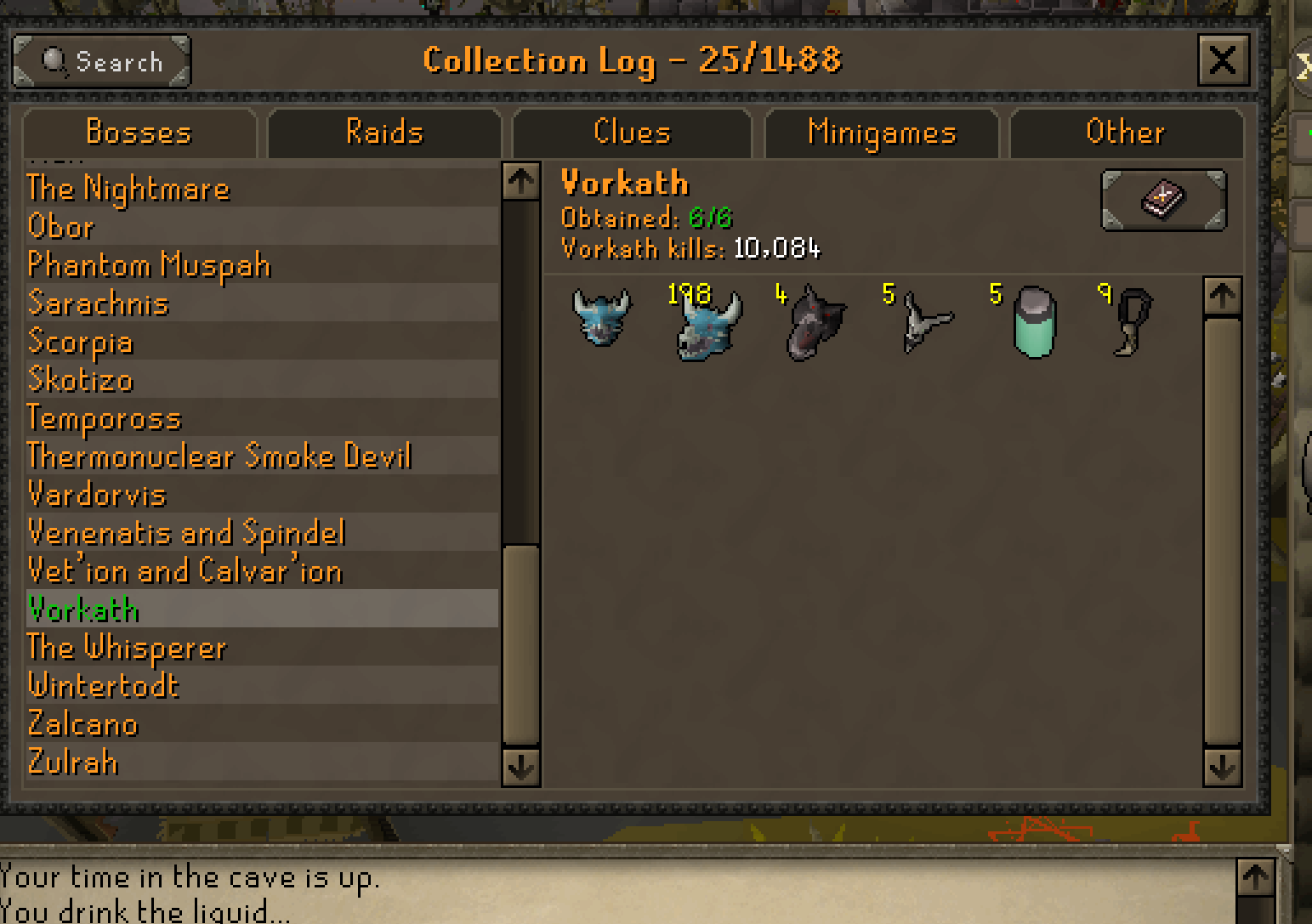
I got banned after 8000 kc and my other acc got banned after like 17000 kc
- 1037 replies
-
- premium
- moneymaking
- combat & slayer
- ranged
-
Tagged with:
-
any update?
-
-
-
Make sure your bot is turning run off before doing the kill , if you have a slow pc do not use the walk attack options , also use manta rays as food instead of the default option , quick prayers should be set to protect from range and rigour , also be sure to use extended super anti fires , bring like 1 x extended super anti fire 1 x anti venom+ 1x divine ranging potion and 3x prayer potion then the runes for crumble undead in your rune pouch but most importantly make sure you’re using a dragon hunter crossbow and dragon fire ward and IMBUED salve amulet(ei)
- 1037 replies
-
-

- 1
-
-
- premium
- moneymaking
- combat & slayer
- ranged
-
Tagged with:
-
-