larsi37
Members
-
Joined
-
Last visited
-
-
Hey Khal, I bought the script and it looks really nice. I just can't seem to find Lundail (runes shop mage arena). Is there a reason behind this? I would love to know. Thanks in advance. Would be very nice if it was added.
-
Hey Guys, Is there a way to add your bank pin when using a jagex account? I can't use break settings, because i have to re enter my bank pin after a break. Is it possible and if not, does it get possible in the future? Thanks in advance!
-
Edit: Fixed it, the 10th time removing de osbot folder it somehow worked.
-
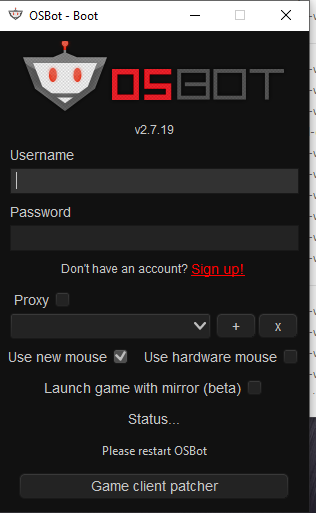
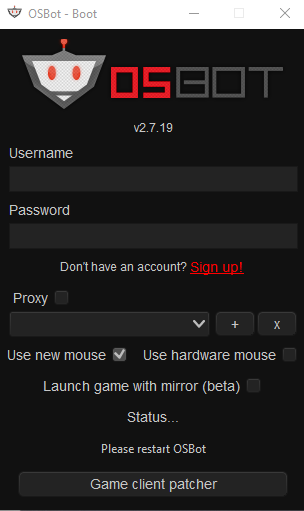
Hey guys, so i downloaded the new 2.7.19 version of OSbot and it worked fine. Then my computer crashed and now i am getting the message : Status... Please restart OSbot I tried deleting Osbot and redownloading it like 10 times but it still gives the same message. Am i doing something wrong? Thanks in advance!
-
Still getting the same error ..
-
I'm stil getting this message, is there something i'm doing wrong?