vk ford
Members
-
Joined
-
Last visited
-
I was getting incredibly frustrated with this and could not figure it out. downloaded this and worked like a charm. thank you very much -vk
-
how do I enable the ready click, i have it on, but it says "can ready click - false"
-
trial please ? , proggies showing 200k+ i have to see this :3
-
this script is a fucking boss!

-
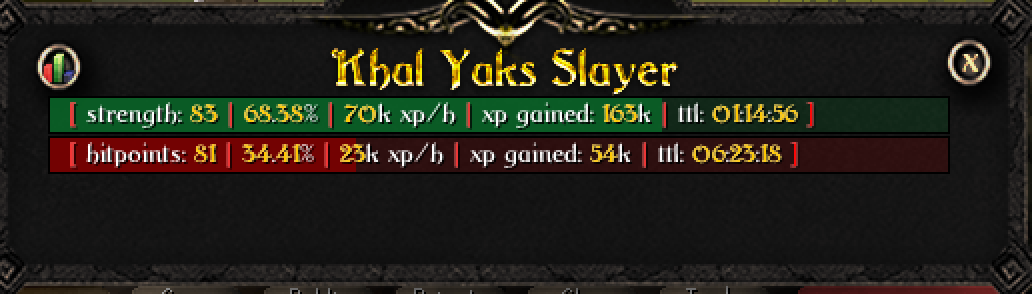
sara sword with d baxe spec / 97k combat xp/hr
-
-
can I please have a trial? thank you
-
pls #2 was not activated for some reason :c
-
I agree, I am roman Italian and when I went to rome, they were some of the rudest people I have ever meet. Definitely not going back to Rome that is for sure.
-
trial please ? :3 need a good combat bot ty bb
-
hi , may i trial please?
-
an idea to make it look more legit. this is simply an idea :3 what if, you created an option to alchility? to explain further if you are unaware of what it is, each "obstacle" you passover, climb, etc you then alch an item and so on... would be cool to have that option just saying! -vk
-
trial please ?
-
-
was not working for me would get a load, and just pause at the bank... i will try again