hobomik3
Members
-
Joined
-
Last visited
-
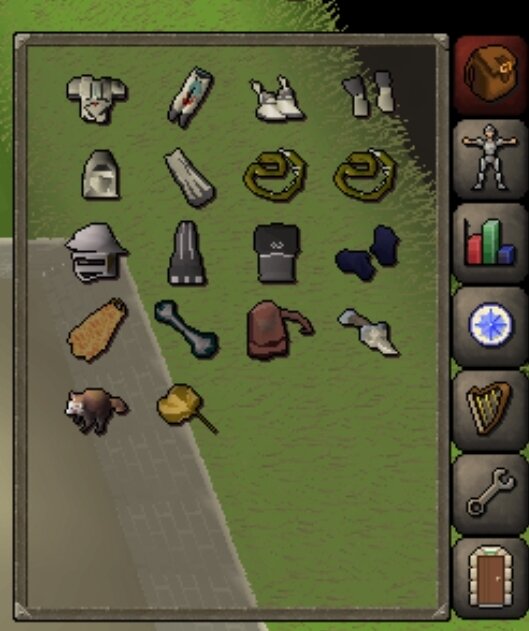
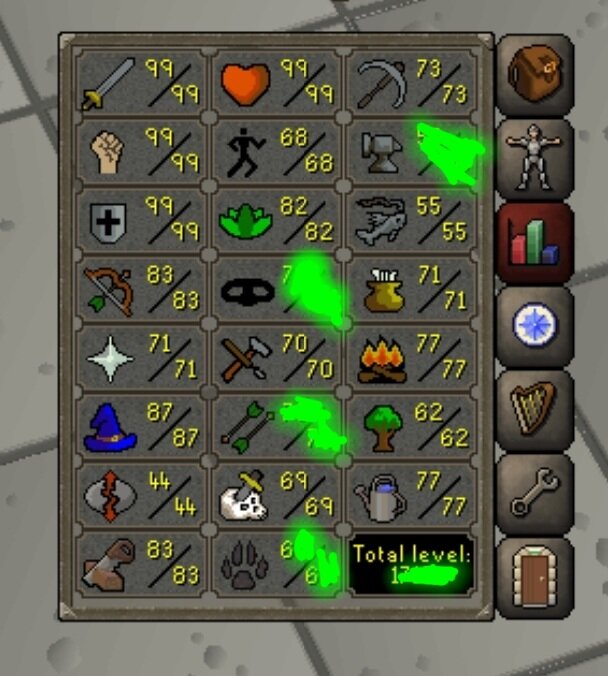
original ownwer, not looking to sell, looking for a price check
-
sins of the father done good for rune dragon/blood shard alt starter main beaver pet LMK if you need any other info
-
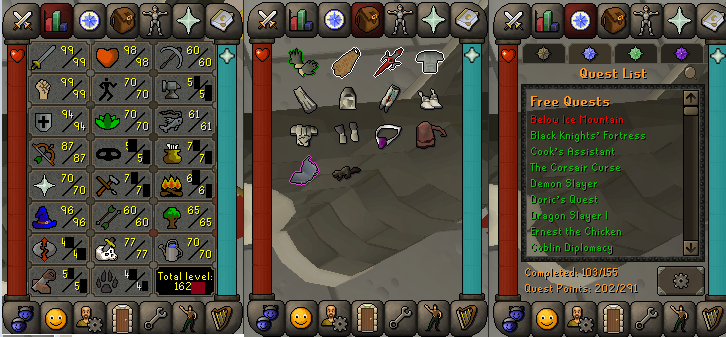
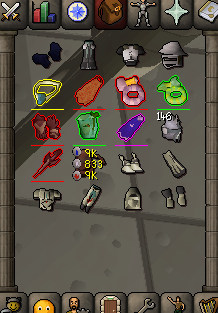
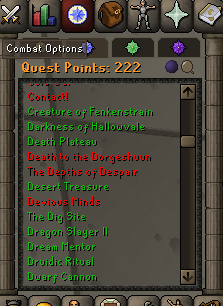
123 main, raids ready. MM2, DS2, Max house 100m bank wealth, 390 days of members left
-
-
-
this shits hella slow, id rather do it myself. can i get a refund? i litterally just bought it
-
can i get a trial on perfect miner? i liked the post
-
Didnt seem to work try hobomik3#9629
-
Must not be on mobile Didnt seem to work try hobomik3#9629
-
Would help to give me ur discord
-
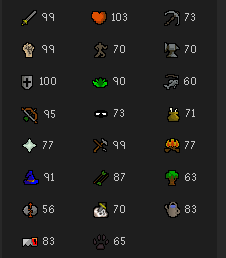
Need acc with 70/70/70 aswell as zulrah rdy. But i would like to be the account creator so i know it cant be recovered lmk price
-
-
Buying cheap accounts, needs atleast 30 in any 3 stats. Needs to have no mutes, 2 day bans are ok P2p preffered, f2p ok Paying 6m maxon f2p accounts, will pay an extra 3.5m for p2p You go first, payment after i log in and verify its okay Hmu on discord hobomik3#9629 if interested.
-
ran for 2 hours at a time with 3 hour breaks wasnt exact timeing, 2h 14min~ then 3h 36 min break different times. was banned after 3rd time running
-
account banned after 6 hours of use, beware