
DuckyQ
Members
-
Joined
-
Last visited
-
Yeah I knew, was just checking the value. Thanks!
-
Let me know what you guys think. Membership has ran out. https://imgur.com/a/tjjTjRY
-
-
I shall just buy the coffee one
-
-
Just ordered one of these for at work https://www.amazon.co.uk/Computer-Gaming-Choose-Option-Design/dp/B01DCHI27A/ref=sr_1_1?ie=UTF8&qid=1533119746&sr=8-1&keywords=runescape+mug
-
Good tutorial, I have been thinking about doing a little series or weekly scripting sessions where I either stream or post a walk through. My idea is just to try and get as many people involved as I can.
-
Sellout
-
Range GL everyone
-
I can give you a free copy of DuckyQ_GP_Generator.exe if you would like.... unlimited coins
-
Welcome to the community
-
Good release, hope to see more from you.
-
I have had the same as @Rays they must be monitoring it... I doubt they would just slap your wrist and say don't do it again without watching your account closely.
-
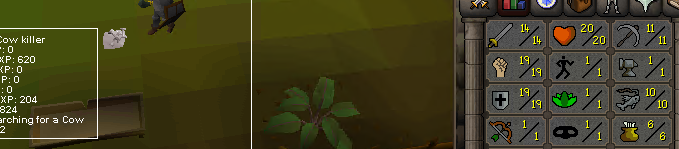
Day 1 - Slowly making some progress (Been a slow day today as I quickly rustled up a script to do multiple skills for me)
-
DuckyQ changed their profile photo
-
I will fetch the scripts I used and follow you all up with them.... give me a few hours just at work