






JohnsonP
Members
-
Joined
-
Last visited
-
Zerker Build I only used it for 3 hours. On my main, I used it for at least 6 hours.
-
The bot is highly detectable even while having break set. Botted on my main and got temporarily banned. Botted on my Zerker build and temp banned. Script is great and all but use it VERY CAREFULLY.
-
-
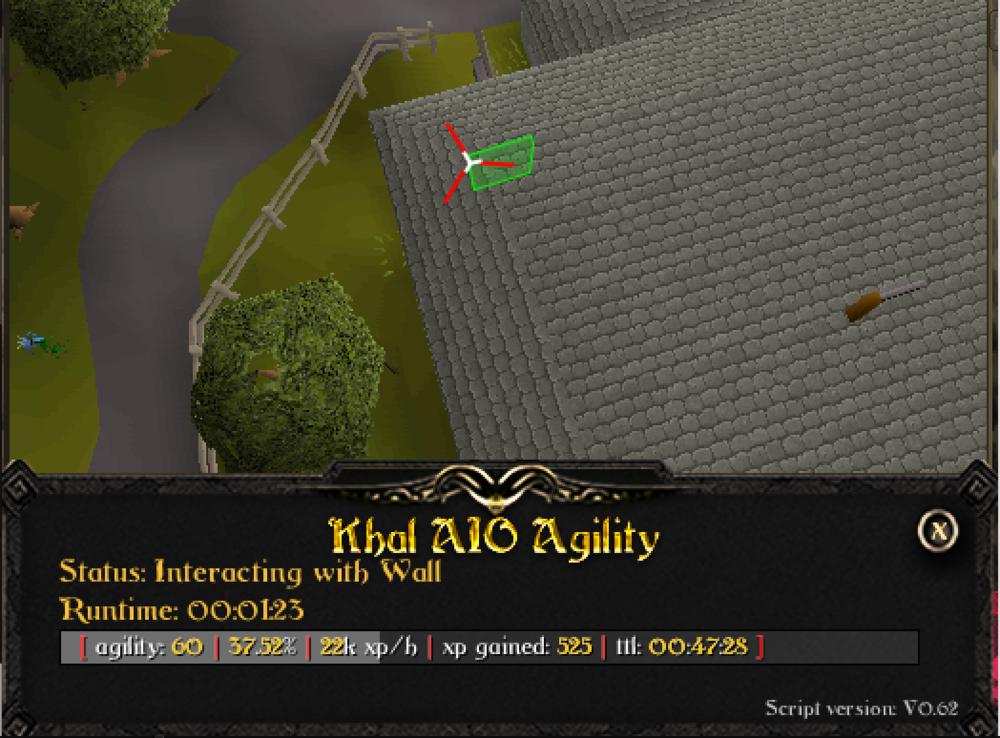
Sucks @ clicking the wall at angles like this.
-
Buying 55m more. Sending message.
-
Purchased OSRS GP through LTC. Thanks again.
-
Any chance for a 24 hour trial?
-
May I get a trial for the Perfect Miner?
-
- Script name AIO Crafter - trial length 6 hours - Reason for trial I am looking for a PC Bot that is active enough. I have tried one bot but it has some kinks such as standing and not being active. - Are you going to give feedback on the script? Yes.
-
Haven't been able to get many points on this trial since most of the time my player is standing.
-
Bought the PerfectFighter and it works great. Was wondering if I can get a trail for the PestControl?
-
I've been trying to buy this script but I've noticed I have a negative balance in my PayPal. I did a transfer which takes 3-5 business days. I was wondering if I could have a trail in the meantime?



