






nick1106
Members
-
Joined
-
Last visited
-
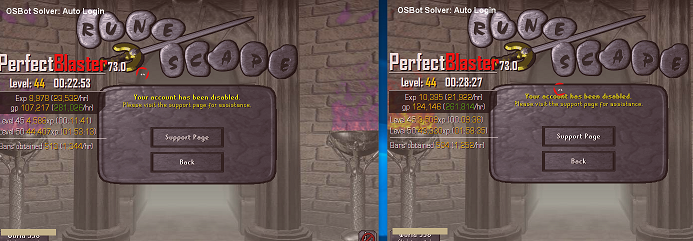
Well thats unfortunate.. 30 mins in... brand new fresh proxy for creation and use..
-
[INFO][Bot #1][11/16 01:17:11 PM]: Loaded 1 built-in random solvers! [INFO][Bot #1][11/16 01:17:12 PM]: WARNING: Use of breaks is not safe in this script [INFO][Bot #1][11/16 01:17:12 PM]: WARNING: Please ensure that breaks are disabled in the client settings [INFO][Bot #1][11/16 01:17:13 PM]: INFO: Loaded weapon: BLOWPIPE [INFO][Bot #1][11/16 01:17:15 PM]: INFO: Setting start wave to: 63 [INFO][Bot #1][11/16 01:17:50 PM]: Terminating script FrostCaves... [INFO][Bot #1][11/16 01:17:50 PM]: Script FrostCaves has exited! Got to the jad it just stood there and did nothing and die... so then i manually got to the jad and turned it on and it does nothing EDIT: Tried it again failed at wave 30. Stood there unresponsive until death. Setting are all correct. fixed mode default zoom mode

