Jump to content
View in the app

A better way to browse. Learn more.

OSBot :: 2007 OSRS Botting

A full-screen app on your home screen with push notifications, badges and more.

To install this app on iOS and iPadOS
  1. Tap the Share icon in Safari
  2. Scroll the menu and tap Add to Home Screen.
  3. Tap Add in the top-right corner.
To install this app on Android
  1. Tap the 3-dot menu (⋮) in the top-right corner of the browser.
  2. Tap Add to Home screen or Install app.
  3. Confirm by tapping Install.

gophermole

Members
  • Joined

  • Last visited

  1. gophermole replied to Fruity's topic in Minigames
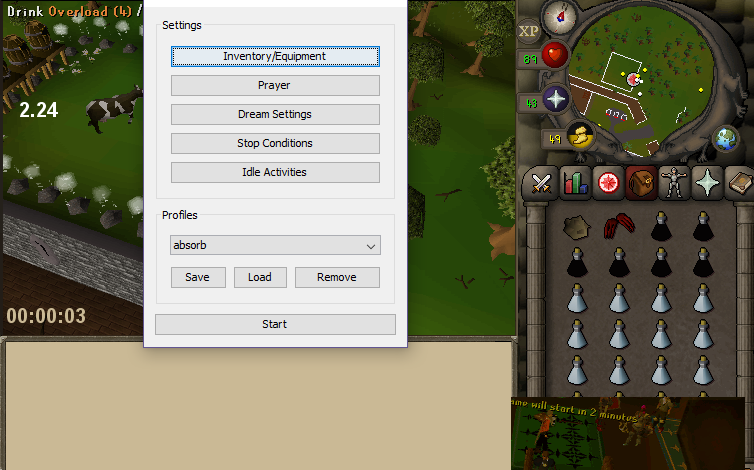
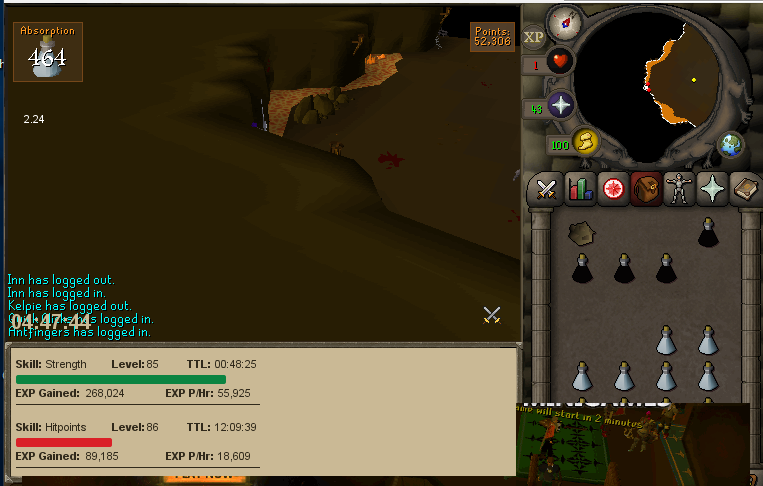
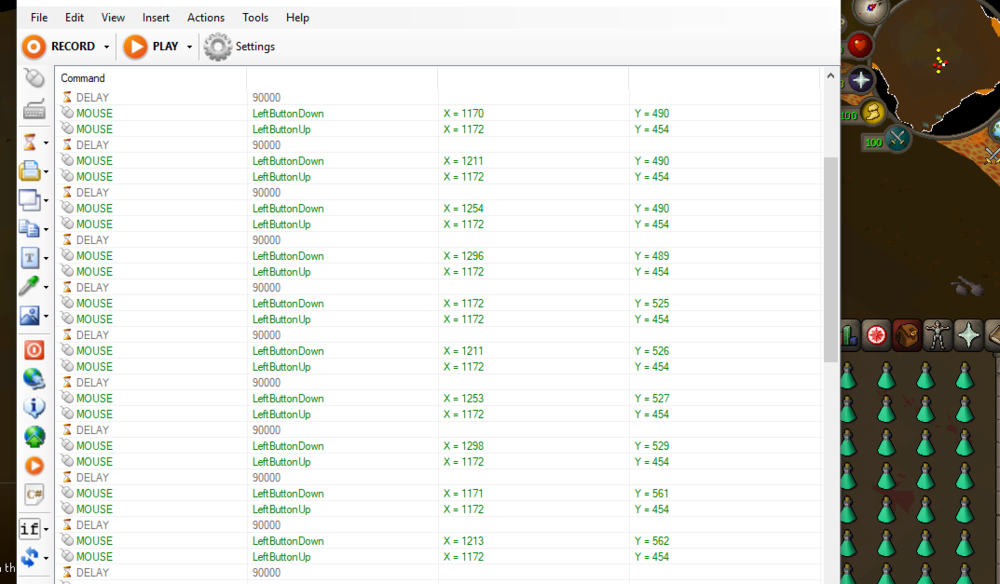
    Had to get creative and make my own mini script for nmz while its down:c I DIDN'T HAVE THE PATIENCE TO SET UP OVLS THOUGH RIP XP
  2. gophermole replied to FrostBug's topic in Minigames
    Lol like how Frost wont acknowledge his script is getting ppl banned. thanks for the heads up to avoid
  3. gophermole replied to Fruity's topic in Minigames
    Bot dont support dragon claw spec
  4. gophermole replied to Fruity's topic in Minigames
    Gets stuck grabbing ovls
  5. gophermole replied to Fruity's topic in Minigames
    No bugs here
  6. gophermole replied to Fruity's topic in Minigames
    worked alright for 5 hours so it should be good now
  7. gophermole replied to Fruity's topic in Minigames
    Just set it as 18 18 seems alright now cheers
  8. gophermole replied to Fruity's topic in Minigames
    Using nmz on a pure with high stats so dont want it clicking on def xp by accident while its flicking through lol
  9. gophermole replied to Fruity's topic in Minigames
    never set mine up I try 1 2 now
  10. gophermole replied to Fruity's topic in Minigames
    Flicking through all the tabs gonna avoid using till its patched looks sketch af
Account

Navigation

Search

Configure browser push notifications

Chrome (Android)
  1. Tap the lock icon next to the address bar.
  2. Tap Permissions → Notifications.
  3. Adjust your preference.
Chrome (Desktop)
  1. Click the padlock icon in the address bar.
  2. Select Site settings.
  3. Find Notifications and adjust your preference.