zoigos
Members
-
Joined
-
Last visited
-
No sorry I haven't had time to set it up since. I wouldn't like to run with injection anyway really since I feel more comfortable with mirror.
-
Sorry, i am not mining now. It stays forever until i manually correct it.
-
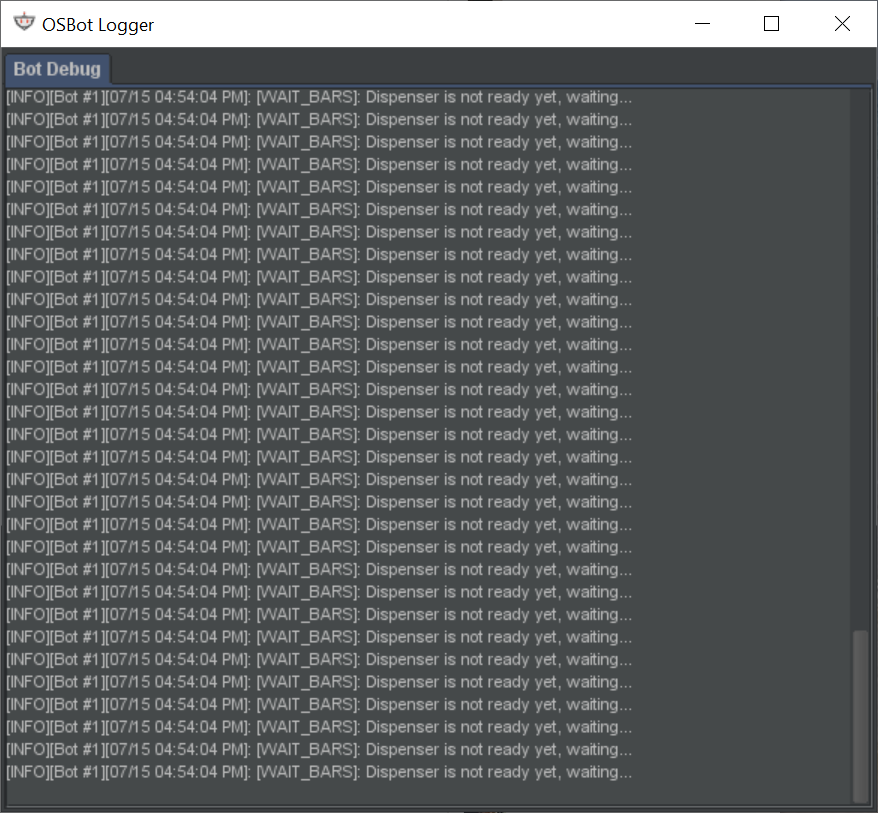
yeah mirror mode... pretty much same screenshot as others have sent previously
-
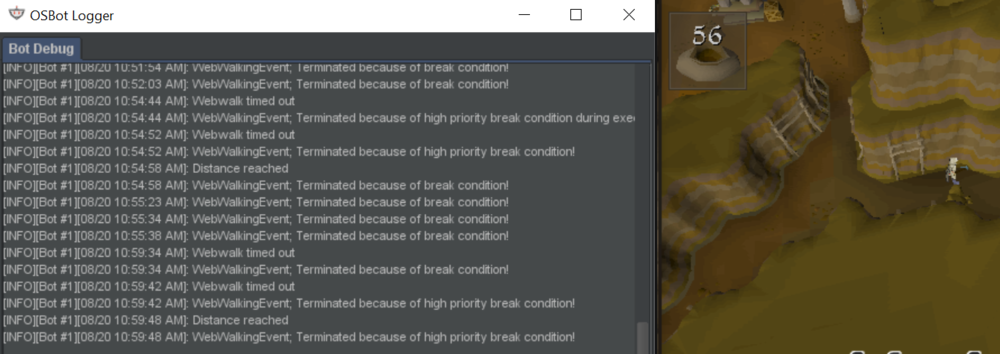
Swapped zones, rockfall issue in other areas too.
-
Thanks, trialling it now and seem to be having the same rockfall issues on south east that was meant to be fixed in 1.45?
-
Hey can I get a trial pls? Thx
-
Hey can I get a trial pls
-
-Script Name: Blast Furnace -Trial Length: 24 Hours -Reason for trial: Comparing with Czar's to determine which one i will buy -Are you going to give feedback on the script? Sure
-
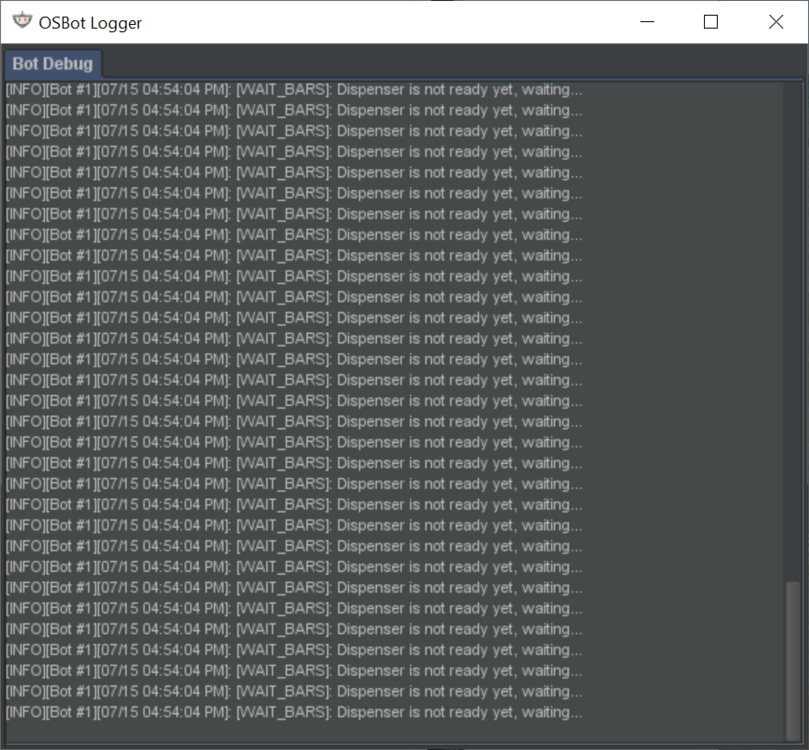
Thanks for the trial. I found that when clicking 'use staminas' but not ticked the button below to 'keep stamina' it keeps depositing it and withdrawing every time it banks. Edit: also got randomly stuck after 23 mins
-
Hi please could i trial blast furnace? many thanks.
-
-
Could i please trial sand crabs? thanks