trophieskill
Members
-
Joined
-
Last visited
-
Ah, there is! My apologies. I just went straight to the progressive & never looked at the other tabs. I assumed if I turned on the progressive leveling the other tabs were no longer useful. I will have to go over the original post & re-read it.
-
Using the bot to get the levels up for diaries & it's great so far. One thing I'd like to request for the script though : Could you add an option to have the mouse leave the window when it's not doing anything? Other than that progressive mode is awesome.
-
Knew it would be fixed when I came back
-
trophieskill changed their profile photo
-
Solid so far. I bought it yesterday & I used it for an hour. Went from 1-15 in that time. I'm only using the script to get my total level up on an account, no real goals with it.

-
Really like this script. bought it, used it immediately for four hours & it went extremely well.

-
Don't give up! Just start making more accounts & maybe switching things up. Or you could make new accounts while the ones are at Zulrah so if/when the Zulrah accounts get banned you have the backups ready.
-
How?! This quest always takes me atleast an hour!
-
GL HF
-
That honestly sounds like a pretty good idea if you were early in on the idea. Especially with P2P.
-
I'm 24 & work at a financial firm after college. Worth it, but people in the firm are very old school so dealing with them sucks. Everyone waits till the last second & then want it done then & now. Other than that, life's great.
-
That seems just kind of silly. So when another new major update comes out I'll have to buy the scripts for a third time? I should have to buy the script once & that's that.
-
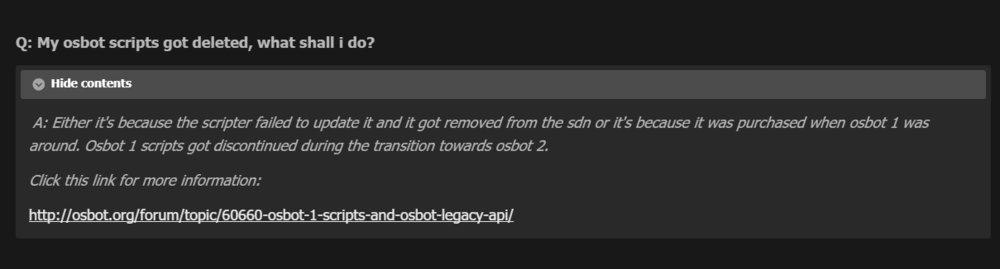
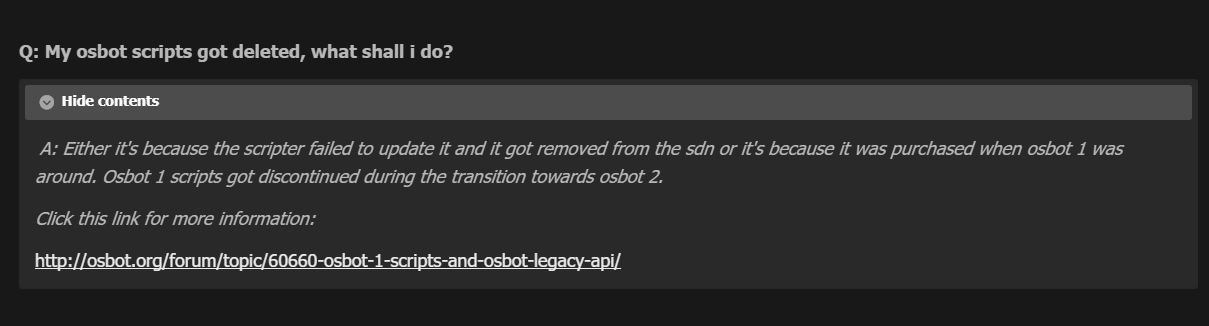
Hello, I haven't logged into my account in a long while & when I logged on this time, I noticed my account is missing all of the scrips that I bought in previous years. I have receipt numbers from PayPal to prove I bought them. I looked in the FAQ but the link is dead. I've attached an image showing what I am speaking of. Hopefully this is the correct section. Thanks,