Jump to content
View in the app

A better way to browse. Learn more.

OSBot :: 2007 OSRS Botting

A full-screen app on your home screen with push notifications, badges and more.

To install this app on iOS and iPadOS
  1. Tap the Share icon in Safari
  2. Scroll the menu and tap Add to Home Screen.
  3. Tap Add in the top-right corner.
To install this app on Android
  1. Tap the 3-dot menu (⋮) in the top-right corner of the browser.
  2. Tap Add to Home screen or Install app.
  3. Confirm by tapping Install.

lolshoka

Trade With Caution
  • Joined

  • Last visited

  1. lolshoka replied to Token's topic in Others
    Hey can i get a trail for ava package?
  2. i will send you the chat logs tomorrow got to sleep up early for work
  3. so gardon was not even aloud to sell accounts or what im confused, TWC?
  4. yes no problem i bout the account on Saturday, gave him the account back on Sunday to train witch i paid for, got it back on Monday and it got banned when i tried logging on, on Tuesday morning
  5. i have all the messages on skype so you can what you want, i bout an account of gardon, and the next day you offer'd to level my strength up witch i accepted, all was fine got the account back with the levels and it got band straight away for bottling
  6. lolshoka replied to Token's topic in Others
    Can i get a trail of this ? just for 2 quests
  7. price?
  8. ok thanks fletch thanks felix
  9. only has 18 quest points no main quests done, except animal mag for ava's
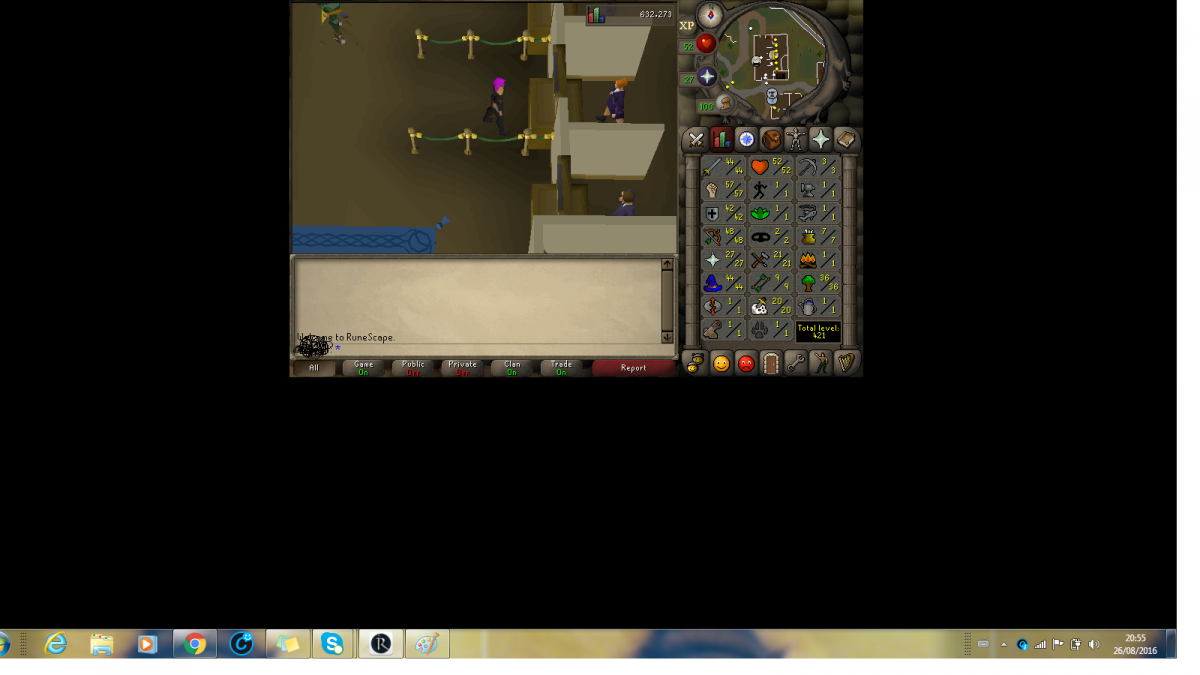
  10. Just wondering how much this is worth not much i know, for sale if anyone is interested Has full void range, ava's
  11. still got this acc?
  12. added
  13. looking for a starter pure account for pking
  14. lolshoka replied to lolshoka's topic in Requests
    only got 17m spare sorry
  15. lolshoka replied to lolshoka's topic in Requests
    hm is account 1?

Account

Navigation

Search

Configure browser push notifications

Chrome (Android)
  1. Tap the lock icon next to the address bar.
  2. Tap Permissions → Notifications.
  3. Adjust your preference.
Chrome (Desktop)
  1. Click the padlock icon in the address bar.
  2. Select Site settings.
  3. Find Notifications and adjust your preference.