geoffrey456
Trade With Caution
-
Joined
-
Last visited
Everything posted by geoffrey456
-
-
-
-
10m
-
i Give 5m And a acc with these stats
-
Bump
-
Bump
-
Bump
-
Bump
-
Bump
-
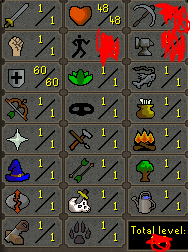
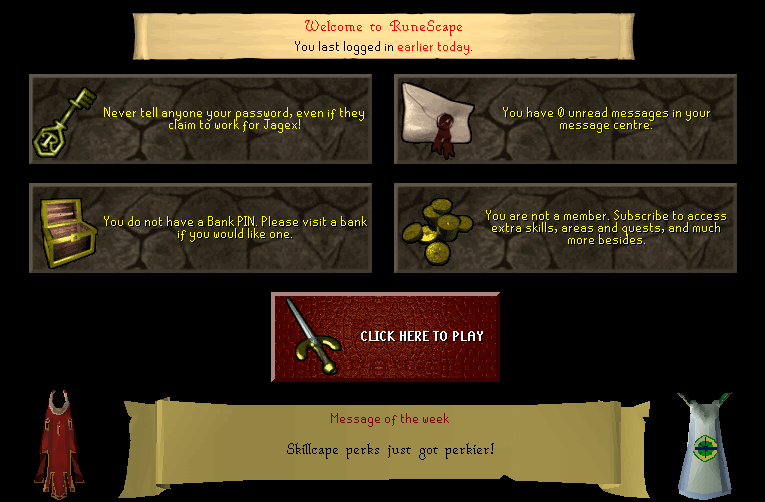
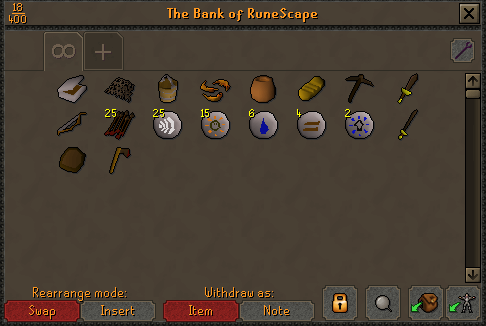
1. Pictures of the account stats 2. Pictures of the login details 3. Pictures of the total wealth (if there is any) 4. Pictures of the quests completed 5. The price you will be starting bids at 8M 6. The A/W (Auto-win) for your account 12M 7. The methods of payment you are accepting Osrs Gp Description: Selling this account because i trained it to be a Black chin tank but i dont see a need for. This account will stand at lumbridge spawn. Only selling to trusted people.




-
if u dropped ur shit always diagonally and then u do 50-60 fishing dropping vertically, i think thats Suspected u botted.
-
i Think if u play legit on the acc and u dropped always like that then u will drop vertical that thats can cause a ban.
-
can sell 30 but i need to see if they got banned
-
His worker did torso for me eveything was fast and flawless vouch +1
-
-
-
-
i added ur on skype now
-
-
What do you need? : Torso acc combat 95 Payment method? : osrs gp Going first or middleman? : going first What is your Skype? : Geoffrey456 Do you agree to the TOS? : yes
-
-
Or too buy one ;)
-
-
Garryhood for the win