devvvvvvo
Members
-
Joined
-
Last visited
-
-
Got banned after using the script for less than 1 hour. Maxed main permanently banned
-
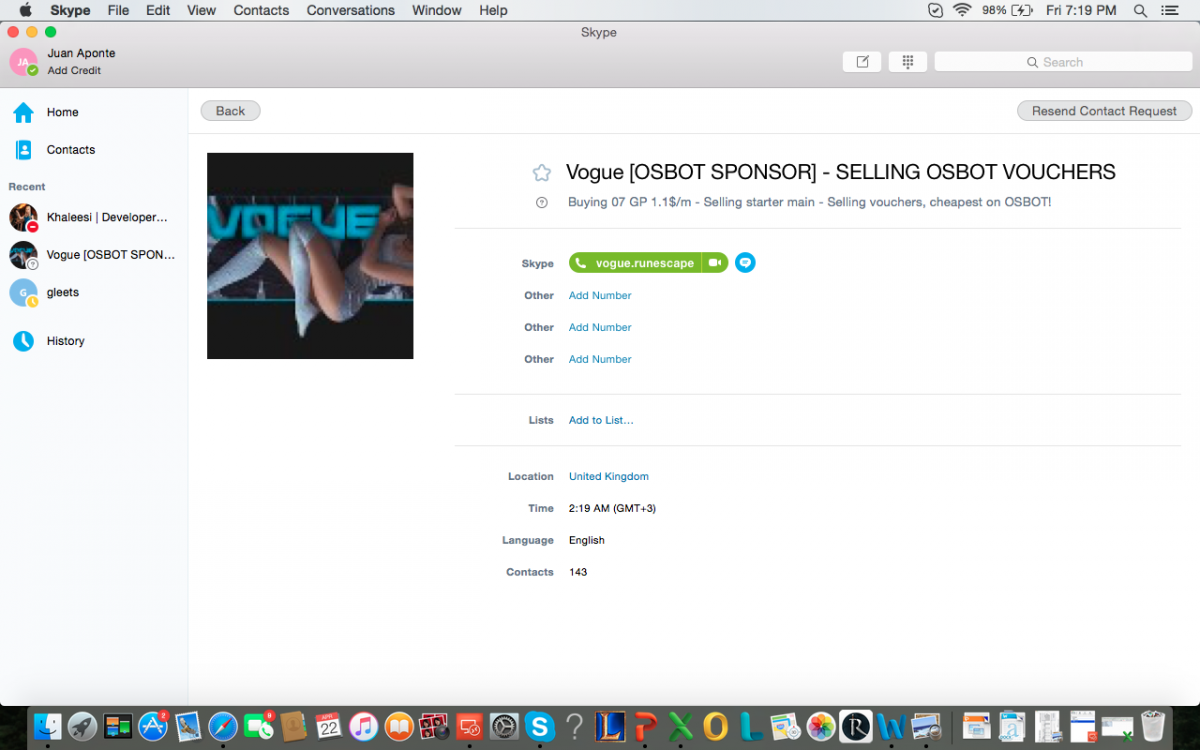
Hi, today i got scammed by a well trusted Voucher named Vogue. I was interested on buying some script from OS Bot, so i got in contact with a Vogue for his services. I needed $30 to purchase all the script i was interested in, and he told me that i needed to pay him 28.2M in Old School Runescape. After i payed his account called Kentucky F C the 28.2m we sent me the Redemption Code: 472379X102416XOWVVAEEU6J. I redeemed the code successfully and i got my $30. And here comes the problem, while i saying goodbye, i saw the his Skype had a message saying the he was selling a Main Starter Account. So i asked him about that account, and he sent me a foto of the account stats. I was interested, so i asked him how much was he selling it for. He told me the he was selling the account between $200-$250. And i told him that i'll buy it. I asked him that what was the selling/buying procedure. Question the he asked by saying the following: "The payment is made, you receive a notepad file containing recovery questions, previous passwords, service provider the account was created on and the registered email is changed to yours." So I logged in and payed him 206M Old School Runescape gold. After the payment was done, i asked him were he was going to send me the notepad with the account information. And he told me to give him time because he was preparing the notepad. Minutes later he logged out from Skype without sending me the account information.