






Hivpagen
Java Lifetime Sponsor
-
Joined
-
Last visited
Everything posted by Hivpagen
-
Would love a trial for this 😁
-
I still cant see it in my list of scripts after refreshing. How long does it usually take?
-
-
1. OSRS Script Factory Pro Edition 2. Heiz Obor Killer 3. Perfect Runecrafting 4. Progamerz AIO Cows 5. Khal Tempoross Gl everyone and happy new year! 🥰
-
-
Could I get a trial pls?
-
SOLVED Re-installed ubuntu
-
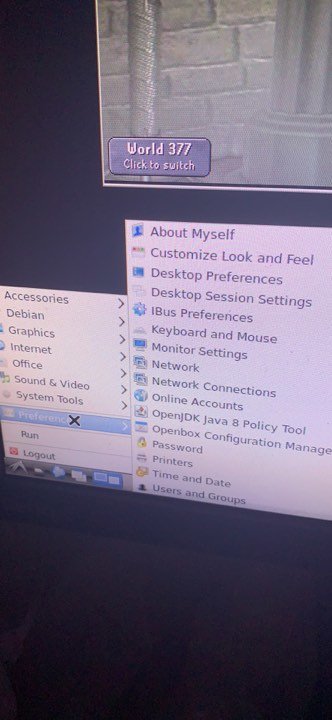
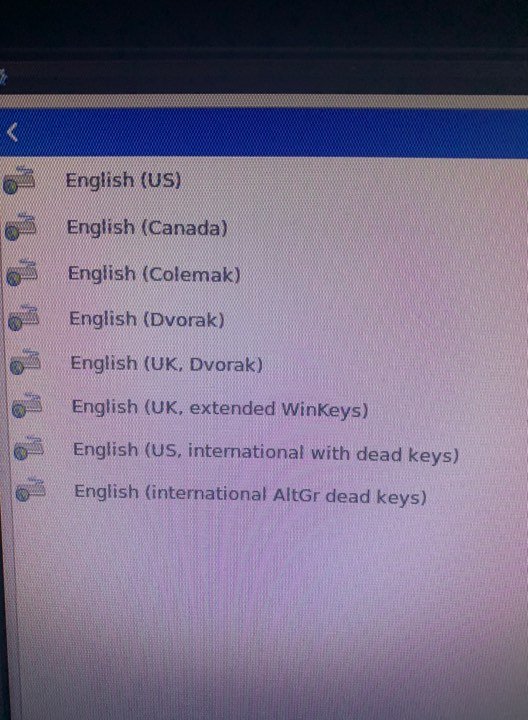
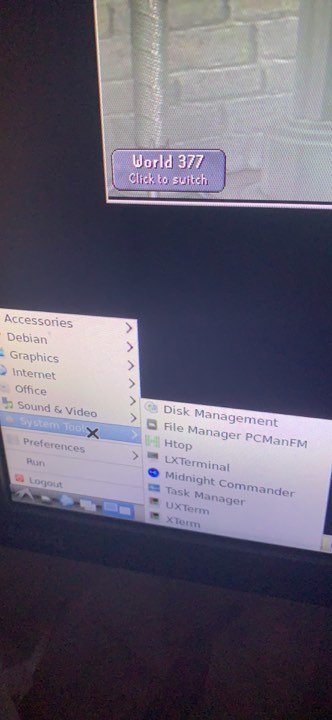
I've got these english versions. Tried all of them but none of them works with the @. I cant seem to find the system settings -> Keyboard Pics didnt get into the post
-
-
I've tried changing the keyboard layout but it still does not affect it. It still does not type the '@'
-
Hello! I recently got myself a vps with preinstalled unbuntu desktop + rdp. I manged to install osbot but when the client is trying to autolog-in it misses the @ in the email. I dont know if it is because 'Ctrl + Alt + 2' doesnt make the @ but instead I have to use Alt Gr. Any help would really be appreciated Thanks in advance
-
Still getting stuck sometimes between varrock east and bank.
-
Still getting stuck at varrock besides the wall on the way back from bank.
-
It still get stuck sometimes between varrock east - bank. On the way back from bank.
-
Thx for the fast fix as always man. Really liking your scipts so far
-
Same happens from varrock east to bank
-
It freezes at Varrock east for me. When trying to mine iron
-


