bot2op
Members
-
Joined
-
Last visited
Everything posted by bot2op
-
24 hr trial please? =)
-
Hey guys im kinda new to the whole osbot site and was wondering if anyone can explain what mirror mode is and how to use it.
-
do you accept rsgp for scripts?
-
Perfect, for some reason when the client restarted it wasnt in default. Thanks a lot man
-
Request Template: - Script name: AIO RUNECRAFTER - Your member number: 184685
-
really looking to get your rc script can i get a trial?
-
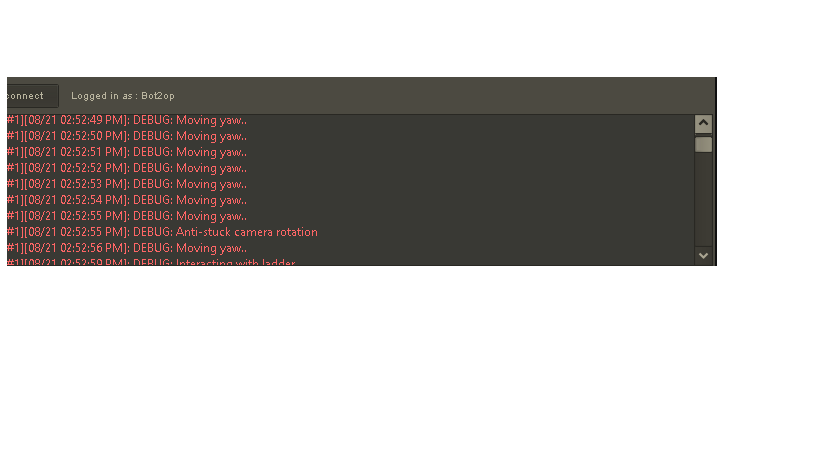
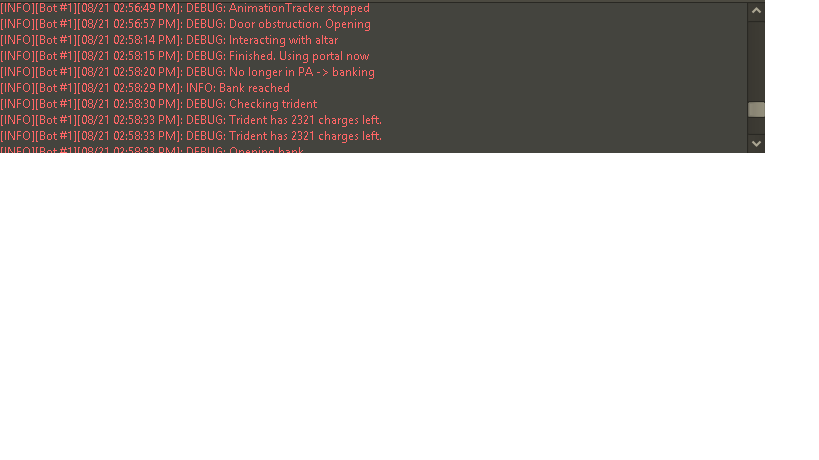
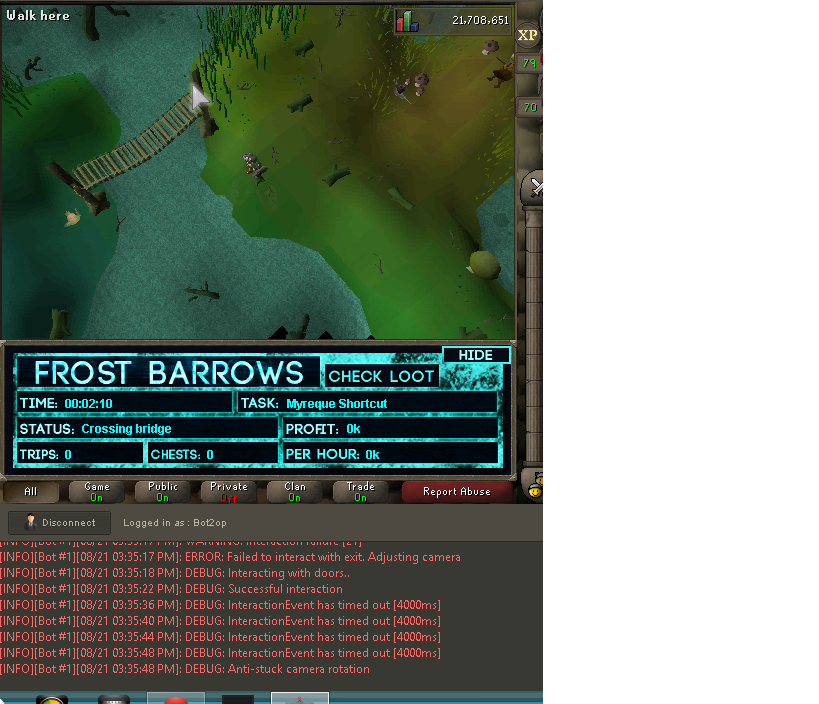
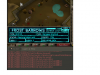
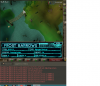
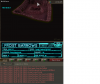
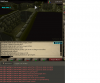
these are just a few things as i watched the bot go through a barrows run, the mouse hovers over doors a lot moving from the inventory back to the door then once again back to the inventory, and does this about 15 times before finally moving to click the door never had a problem with the script up until like 2-3 days ago. Main issues ive been seeing is the mouse not responding correctly, and the code saying moving yaw over and over again It seems as if the mouse is confused on what to do and the delays can cause you to die to dh for example for not being able to use the pot in time sorry to add so many pictures, im just trying to provide you with as much info as i can and again above the chest waits about 30 seconds to a minute before changing the angle

-
gonna check now, is there any way to add morytania legs 3 as a tele to barrows?
-
mine are happening in stealth
-
There have been a lot of things going wrong since yesterday and i actually died. Bot clicks the sarcophagus even after you are being attacked already