Strepsil
Members
-
Joined
-
Last visited
Everything posted by Strepsil
-
Can I trail rangeguild please?
-
Script - Pest control Number - 178030 Thanks
-
So when OSRS first came out I made a new account as my main and botted it up a lot. It got a 2 day ban (microing minor) and a roll back, made me quit RS for good. That offence has now expired, and I recently got back into RS and have been playing on that account again because I didn't want to start from scratch. Btw I've got a new PC and moved house since I last played so Jagex shouldn't be able to track me through cache or IP or any of that stuff. I've been botting on it quite a lot but 'carefully '(only mirror mode with good scripts, not ridiculous hours, often baby-sit etc.) and so far haven't gotten a ban. I guess its kinda gotten to that point where I'd be pissed off if my account got banned but its still not where I want it to be and I don't want to legit the levels. So I'm just wondering does that previous expired ban offence on my account mean Jagex pay closer attention to it? Am I more likely to be banned or does that previous offence not make any difference now that it has expired? Cheers for any advice.
-
No bans yet
-
-
anyone know when he is back from vacation?
-
-
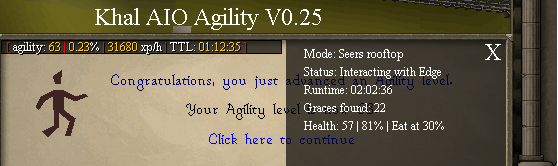
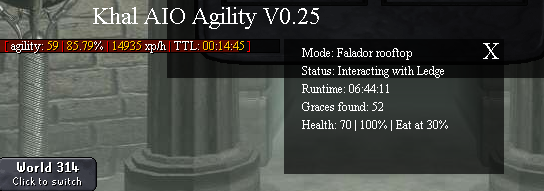
Thanks for the trial, really impressive script. Here are some proggies (the xp/hr was actually higher because of breaks). Might be my next purchase

-
- Script name: AIO Agility 24h - Your member number: 178030 Please