
Sensational
Members
-
Joined
-
Last visited
-
OSBot Voucher Value ; 6.99 Have you added my Skype? ; yes
-
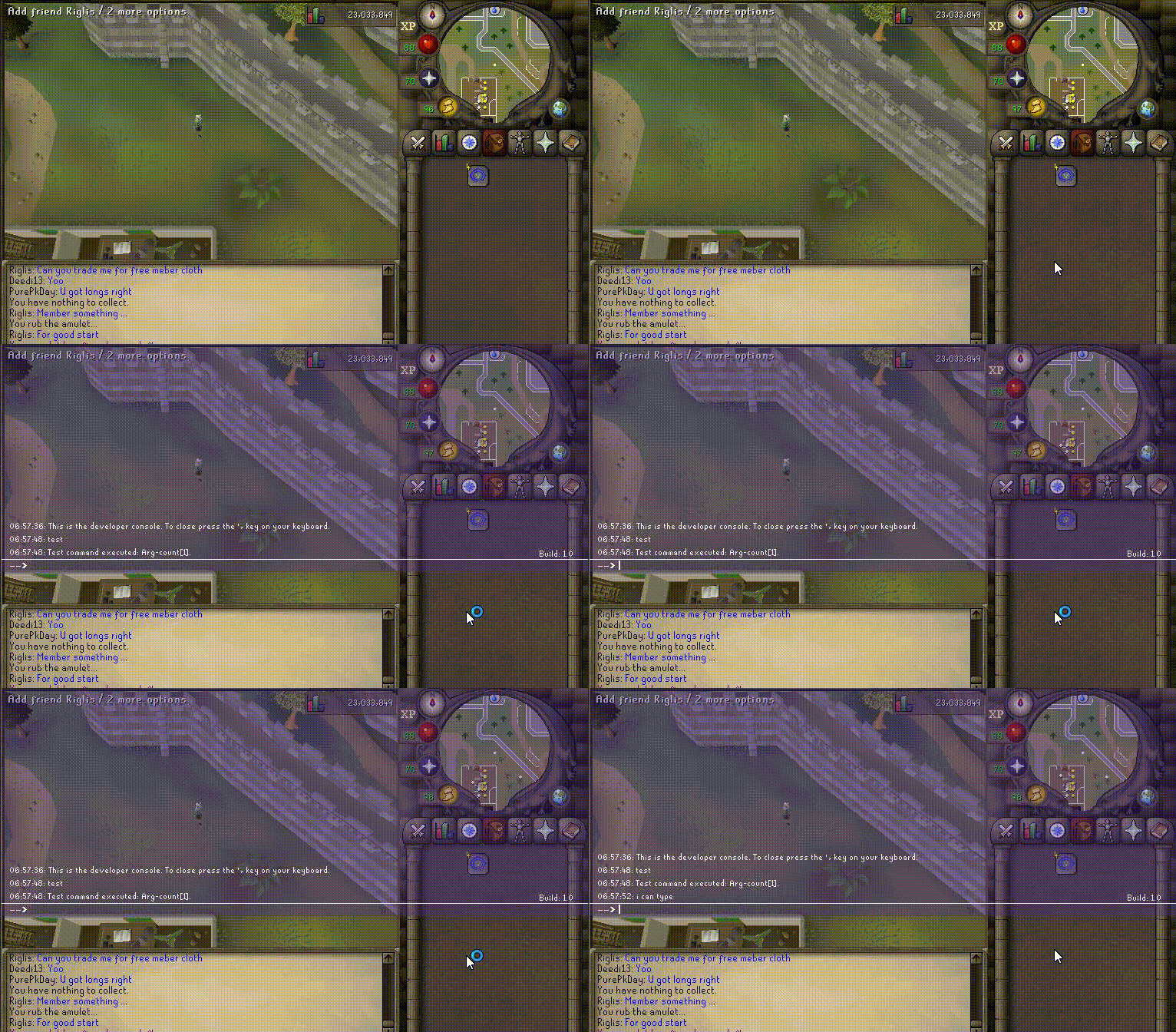
Update for "Development console" I have redone my paint tactics and this is for use in-game, viable with/without input disabled and works similar to that of original.
-
-
-
Hey guys, I will make this thread better after a bit, here are some images of what I have done so far.

-
-
It's saying to make sure my boot options are valid, yet im not using any just the basic run.bat for launching.
-
Sure add me on SkypeAdd my Skype: Jacob.Rhiel Will not go first unless MM or very trusted.I need all oak logs, testing a legit planker about to be released, going to do a 24/7 proggy and no one is selling logs. Donation by: Treeder thank you very much! You will be compensated!Kha'Zix is one of the better champions for jungling and team fighting.. logic = none.Whenever Laz and Maxi believe it is suitably ready, as well as the main script developers get worry and bug free scripts that are ready to go for maximum use I presume.I enjoy toolkits very much, I actually had this idea and bought a few domains for such, but never got around to doing it.