keldra1993
Java Lifetime Sponsor
-
Joined
-
Last visited
Everything posted by keldra1993
-
How are the ban rates?
-
how do i get it
-
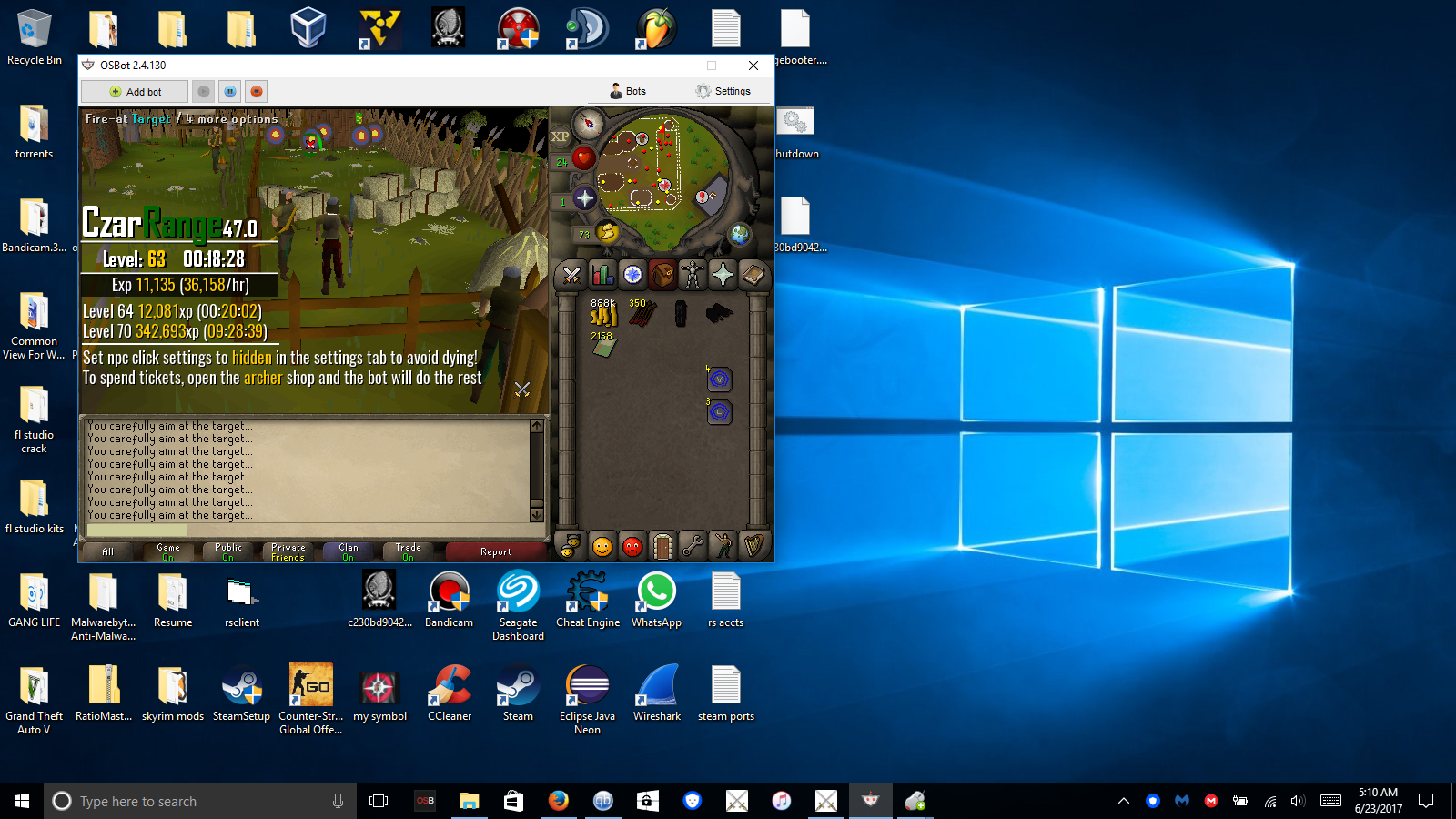
My buddy is who got me to buy this script. Kept sending pics of his proggies in the group chat im in. said its the best range guild script out there. I got it and havn't been disapointed! Since then I got a few of Czars scripts! there all dope! Theres just one more script I need to get and on the 31st I will be getting it.a friend of mine suisided with this script he was running it on a VPS he got to 98 range before getting banned. my other buddy got 2 accounts to 80 range on it, no bans. I trained from 38-75 range no ban and now im working on a prod right now im aiming from 33-97 range. I had a 14 hour proggy but i accidently restarted pc. atm im 63 range in less then 24 hours. This script is fire!Can I get Perfect magic trial?i need to purchase a 10$ voucherits flawless with all stronghold floors/monsters! I've been using this script for a while now! Works especially great in those "far hidden" rooms for trainingRan this script on 2 accounts for about 6.5 hours today came back everything running smoothly! I didnt even think to take a pic!!! I train my tanks in stronghold this script seems solid! Ill try to get a proggie for u 6 hours or more!