fjord
Members
-
Joined
-
Last visited
-
Hello, First of all I want to say that this script is legendary and I want to thank you for making it. But, there is one problem... I want to bot at Chaos druids in Edville Dungeon but when I put in the coordinates https://imgur.com/UTqqr3F it crashes. I have to close down the bot by Task manager and I have to restart the Runescape client and OSbot. Am I doing something wrong or is that place just bugged? Can you please help me because I dont want to bot at Chaos druids in Tavery dungeon. Regards, Fjord
-
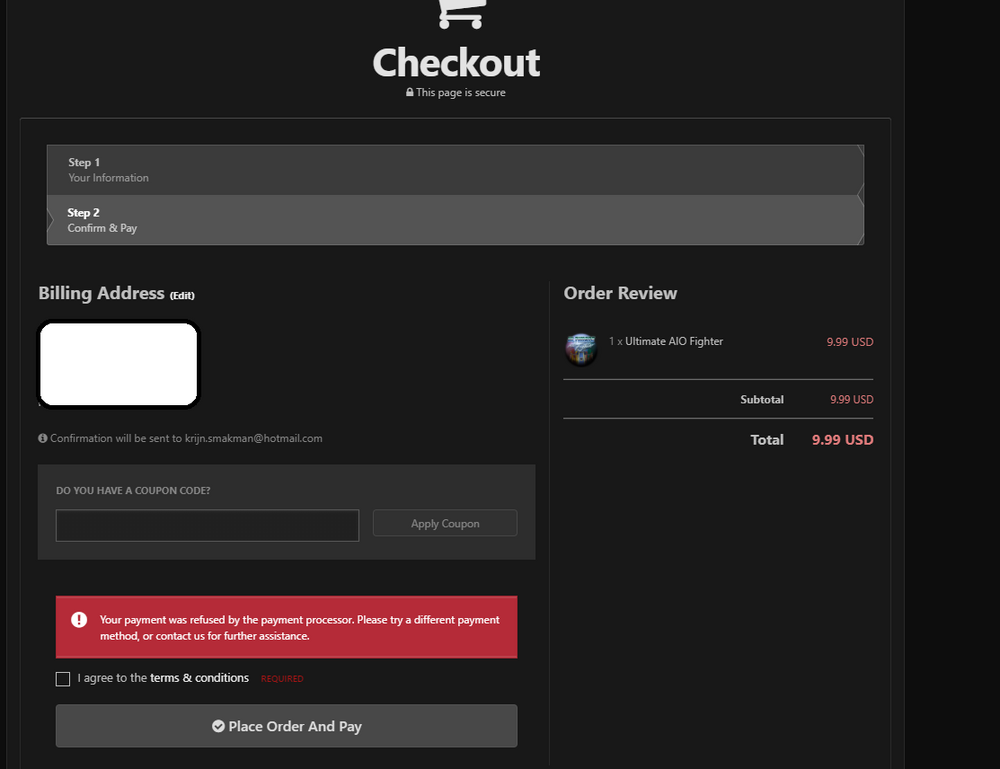
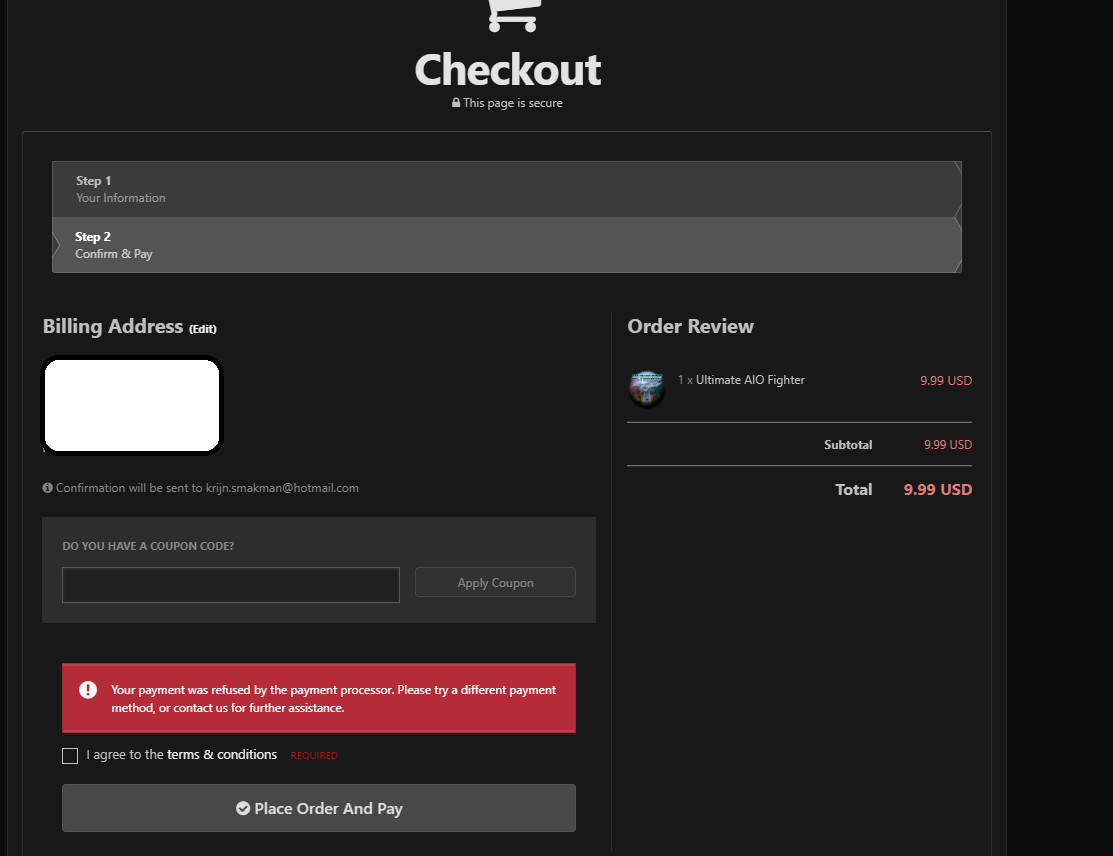
Hello, I want to buy the Ultimate AIO Fighter script for 10$ but somehow the payment fails. When I go to the checkout I have to pay with PayPal. I have an old account on PayPal but I can't log in because it still uses my old phone number. When I want to change the phone number I need to call PayPal but they dont have a phone number... There is an option to buy it with my credit card but when I do that it says: "Your payment was refused by the payment processor. Please try a different payment method, or contact us for further assistance.". Can someone help met with buying a script? Regards, Fjord