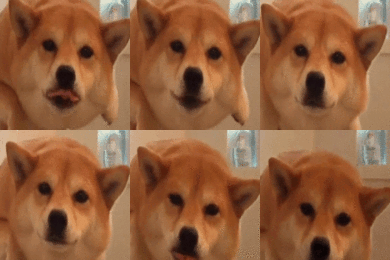
June 30, 201510 yr Hi, There are some damn ugly avatars so I decided to get some off the web and resize them to 150x150 and also 125x125. There's a folder called 125x125 which are 125x125 gif avatars and a folder 150x150. All credits go to the designers who made them, I didn't make any of them just here to put them into a small pack and release it here. Enjoy lads. Download - https://www.dropbox.com/s/a41lhieoa75qvhx/Avatar%20Pack.rar?dl=0 Virus Scan(Just incase someone wants it) - http://prntscr.com/7n1a60
June 30, 201510 yr Author werent you banned like a day ago? 2 days ago and it wasn't even for a real reason, just thoughts so he decided to ban me but to clear up I haven't broke any rules. My avatar is the best indeed Edited June 30, 201510 yr by QuakedM8
June 30, 201510 yr by making a gif ur profile picture here i will make u a guide one sec edit here is ur guide enjoy https://www.youtube.com/watch?v=2oowuTw3uRI The hero we needed








Create an account or sign in to comment