Jump to content
View in the app

A better way to browse. Learn more.

OSBot :: 2007 OSRS Botting

A full-screen app on your home screen with push notifications, badges and more.

To install this app on iOS and iPadOS
  1. Tap the Share icon in Safari
  2. Scroll the menu and tap Add to Home Screen.
  3. Tap Add in the top-right corner.
To install this app on Android
  1. Tap the 3-dot menu (⋮) in the top-right corner of the browser.
  2. Tap Add to Home screen or Install app.
  3. Confirm by tapping Install.

soundseviil12

Members
  • Joined

  • Last visited

  1. yeah i didn't think about that I started it and and probably had it off for two hours a day when I got home from work but im going to try again but take breaks this time.
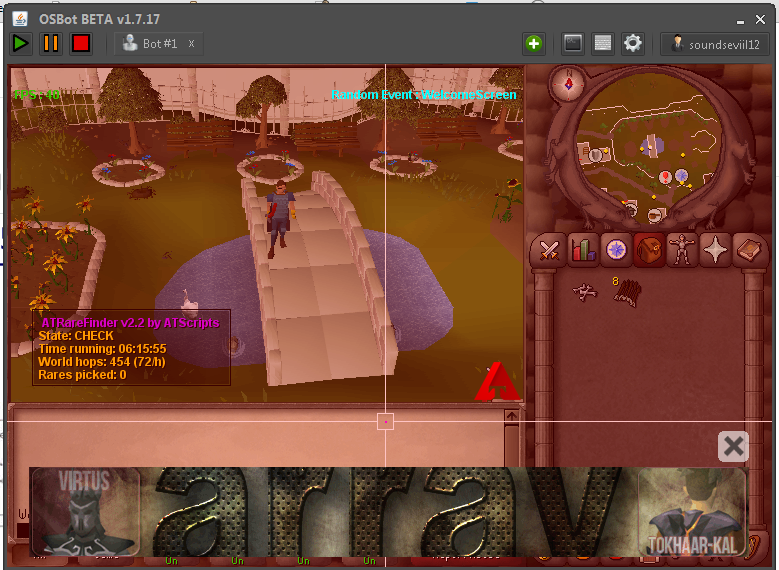
  2. ^sorry wrong image above Anyway this is a great script used it for 3 days and it ended badly for me got 99 then logged off to go get somthing to drink and came back and was banned the worst part was i traded 50m and all my items from my other account to buy supplies.
  3. I just purchased the wine script for 2.99 i have the email saying i did and its not giving me the option to add only to buy again!
  4. just payed for the script got my invoice number and its still only giving me the option to buy
  5. am standing in a spawn location...can someone please let me know?
  6. Started using today. Will post a 12 hour prog. later.

Account

Navigation

Search

Configure browser push notifications

Chrome (Android)
  1. Tap the lock icon next to the address bar.
  2. Tap Permissions → Notifications.
  3. Adjust your preference.
Chrome (Desktop)
  1. Click the padlock icon in the address bar.
  2. Select Site settings.
  3. Find Notifications and adjust your preference.