smokeenergy
Members
-
Joined
-
Last visited
-
Any way i could get a Trail please?
-
-
How well does it work with mirror mode?
Cant use top floor is to bot like clicks around the ladder moving back and forth and wont use for 30secs
Using top floor keeps hovering over ladder once it goes up it sometimes clicks its again and goes back down
His script is working perfectly
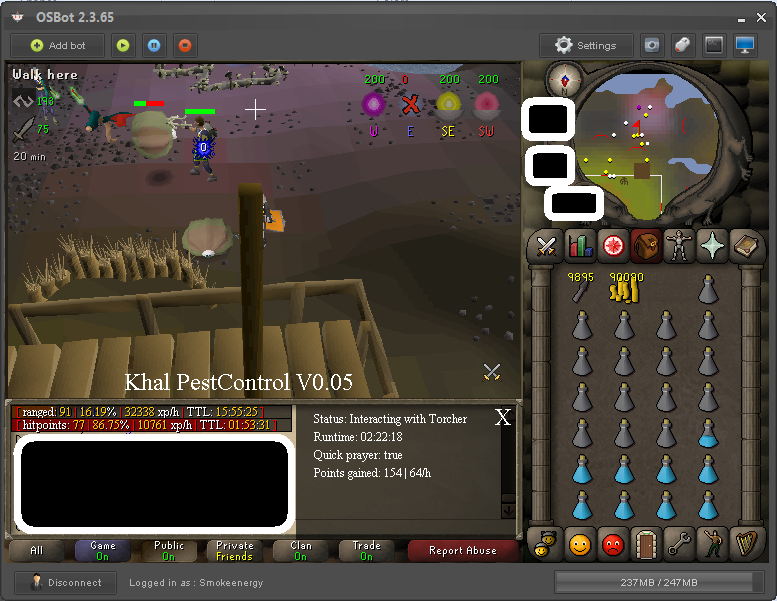
Loving the bot. Sorry for all the block outs. Its not that I don't trust you guys but it is that I don't trust you guys.
 Where can I go to renew my vip. It currently says I cant buy it.
Are there any Nmz bots currently working? Since toph left I can't seem to find a working one
We must finish cook assistant!
Would this be considered botting/macoring. Go check it out for yourselves.
Where can I go to renew my vip. It currently says I cant buy it.
Are there any Nmz bots currently working? Since toph left I can't seem to find a working one
We must finish cook assistant!
Would this be considered botting/macoring. Go check it out for yourselves.