fury0wn3rz
Members
-
Joined
-
Last visited
Everything posted by fury0wn3rz
-
just stands still?
-
1 account got banned cooking at nardah.
-
add me on skype: daan_0411
-
add my Skype: daan_0411
-
-
where do i call myself that then? I would say your good. well, thanks anyways, if you ever need anything, feel free to hit me up!
-
where do i call myself that then?
-
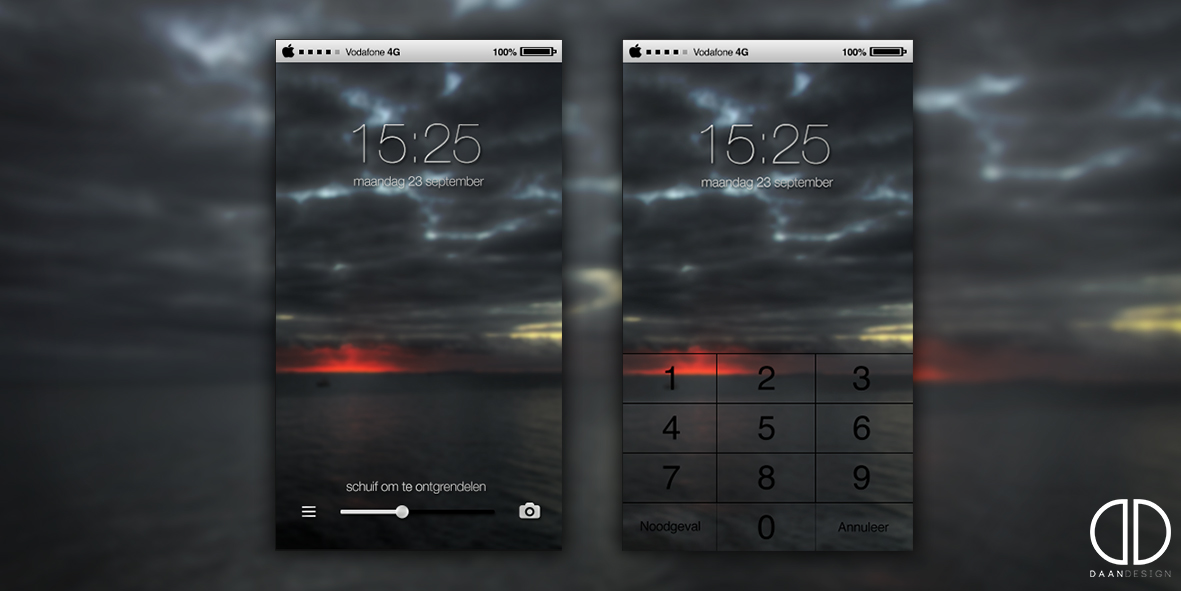
I havent dont graphics in a long time.... my old portfolio is http://www.daan.carbonmade.com there is more of my work (outdated) behance is a porfotlio which i made recently and at the moment i am working on a new project. I'l give you a sneakpeak of my project where i'm working on now: check gyazo link! http://gyazo.com/9cacdb24a72a8df086498c1bccc7aada
-
welcome and enjoy
-
Hey everyone, I am not completely new but still i would like to introduce myself. I decided to go and help script developers with making them paints, logos, thumbails and other stuff. So if you are a script devoloper and needs any graphics done, just give me a call. to check out some of my work, checkout my portfolios (little bit outdated) http://www.behance.net/daanvandennosterum and http://www.daan.carbonmade.com To contact me, just add me on Skype: Daan_0411 Thanks and see you later!
-
outdated or not?
-
-
-
cooker doesnt work well.... keeps clicking food on fire while it is just cooking?...