Skip to content
View in the app

A better way to browse. Learn more.

OSBot :: 2007 OSRS Botting

A full-screen app on your home screen with push notifications, badges and more.

To install this app on iOS and iPadOS
  1. Tap the Share icon in Safari
  2. Scroll the menu and tap Add to Home Screen.
  3. Tap Add in the top-right corner.
To install this app on Android
  1. Tap the 3-dot menu (⋮) in the top-right corner of the browser.
  2. Tap Add to Home screen or Install app.
  3. Confirm by tapping Install.

Vlad

Trade With Caution
  • Joined

  • Last visited

Everything posted by Vlad

  1. Vlad replied to Vlad's topic in Spam/Off Topic
    yes
  2. Vlad replied to Vlad's topic in Spam/Off Topic
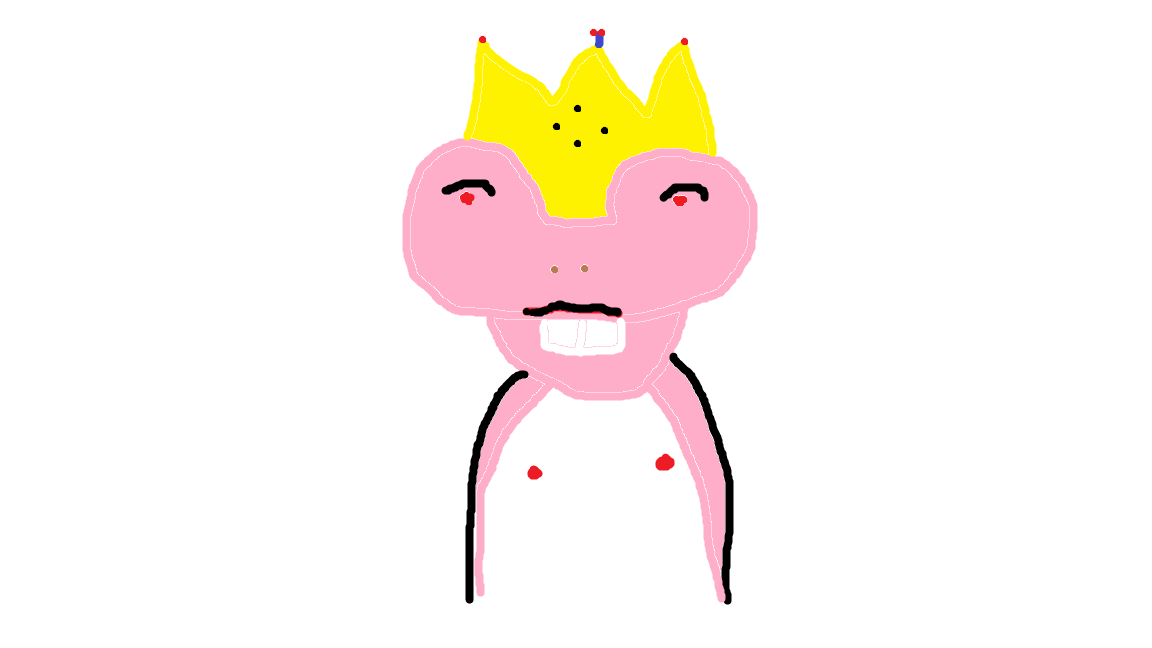
    No the fucking alien i drew -.-
  3. Sexy? I Made This
  4. im trying to update league l0l, because i don't use this laptop
  5. HELP ME PLS
  6. Vlad replied to ibotpures's topic in Spam/Off Topic
    Well.. I have An iMac, iPhone 5, iPad Air, And 2 Macbook Pros in my house.. you can call me the "Apple Whore"
  7. Vlad replied to RoomScape's topic in Spam/Off Topic
    all the colors made me orgasm ._. ......
  8. So mean..
  9. ikr, her face means more to me tbh..
  10. Vlad replied to Mage's topic in Archive
    i can do it message skype for prices skype : itheban13
  11. 500k 3hrs Pm me if you still interested skype : itheban13 http://osbot.org/forum/topic/53465-stans-aio-service-over-100-feedback/page-2
  12. Taking Orders
  13. Thanks my man Vlad taking orders Skype: itheban13
  14. Thanks Bro Same Goes to you
  15. Thanks Man Thanks For The Tip :p
  16. my bad can you change it?
  17. Current Price: 1.1m-1.2m Current Stock: 5 Bonds Skype: itheban13 Or Click My Little Skype Sig
  18. Vlad replied to Mage's topic in Archive
    I Can Do It Contact Me Skype: itheban13 1-3 Days 3-4m
  19. gl bae
  20. I Have 2.5m 07 And Wish To Swap It For Rs3. I Want A 1:8 Ratio
  21. Close Topic Refund Received
  22. Did You Get The Evidence I Provided?

Account

Navigation

Search

Search

Configure browser push notifications

Chrome (Android)
  1. Tap the lock icon next to the address bar.
  2. Tap Permissions → Notifications.
  3. Adjust your preference.
Chrome (Desktop)
  1. Click the padlock icon in the address bar.
  2. Select Site settings.
  3. Find Notifications and adjust your preference.