Jump to content
View in the app

A better way to browse. Learn more.

OSBot :: 2007 OSRS Botting

A full-screen app on your home screen with push notifications, badges and more.

To install this app on iOS and iPadOS
  1. Tap the Share icon in Safari
  2. Scroll the menu and tap Add to Home Screen.
  3. Tap Add in the top-right corner.
To install this app on Android
  1. Tap the 3-dot menu (⋮) in the top-right corner of the browser.
  2. Tap Add to Home screen or Install app.
  3. Confirm by tapping Install.

malibu2

Members
  • Joined

  • Last visited

Everything posted by malibu2

  1. nevermind. was botting 4-5 hours a day and was permanently banned in 2 days.
  2. just bought it - went swell for 5 hours, props man.
  3. does this work well with the mirror client?
  4. I'm still getting stuck with the mirror client. Is there any updates on this fix? I know the issue isn't on your end, but are the devs aware of the problem?
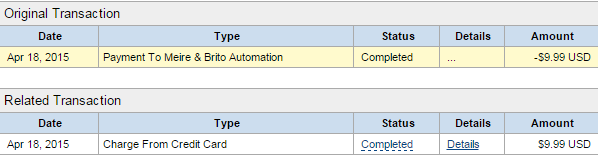
  5. Hello. I just bought VIP yesterday and it's already telling me I don't have VIP access. See attached files for reference. Could someone please look into this? Thanks

  6. still doesn't work. wouldn't recommend buying until the admins come out with the update
  7. i just bought this and it just goes to the mining area and does nothing. what's wrong?

Account

Navigation

Search

Configure browser push notifications

Chrome (Android)
  1. Tap the lock icon next to the address bar.
  2. Tap Permissions → Notifications.
  3. Adjust your preference.
Chrome (Desktop)
  1. Click the padlock icon in the address bar.
  2. Select Site settings.
  3. Find Notifications and adjust your preference.