Lunerans
Members
-
Joined
-
Last visited
-
Nice
-
No luck there either. I am going to purge everything rs off my pc and give it another go
-
Christmas themed! 😀
-
Thanks Khal, i did try that but the same message was there and no install for webwalker etc was there. I currently have it working on my laptop but nothing on the pc yet unfortunately only thing i can think of is some other java app is interfering with it. The laptop is clean but my pc has most my games and apps on it
-
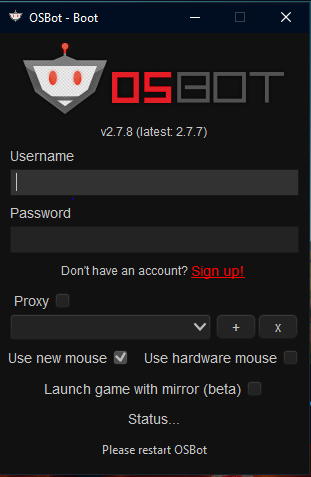
Hey getting this issue when following steps, any ideas?
-
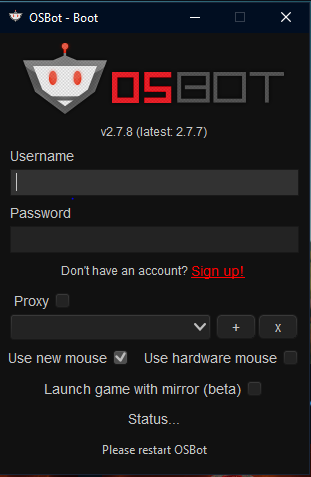
Hello, have got this with new client after patching runelite and trying to launch. Have restarted pc, client and everything. Ran jarfix. Havent run osbot on this pc before, not sure what may be causing this. Have java VERSION 8 Update 391 Have never run the bot so no osbot files in C/user/
-
Hey, I am trying to launch this and can only get status, Please Restart OSBot