






lilsimcho
Members
-
Joined
-
Last visited
Everything posted by lilsimcho
-
Congrats man, that's huge. Happy holidays and good luck everybody <3.
-
Hey guys, I was wondering how much I could get for this account. It is linked to a Jagex account alongside another account with very similar stats to this one. It has one reverted botting ban from around 2 years ago.
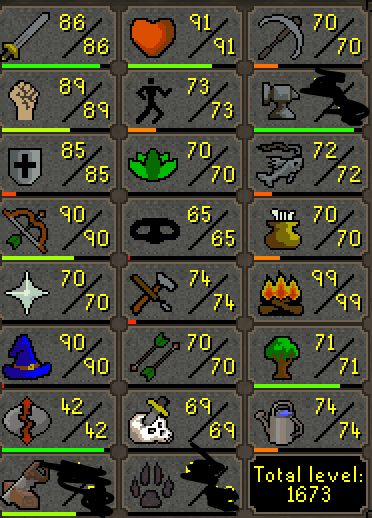
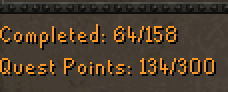
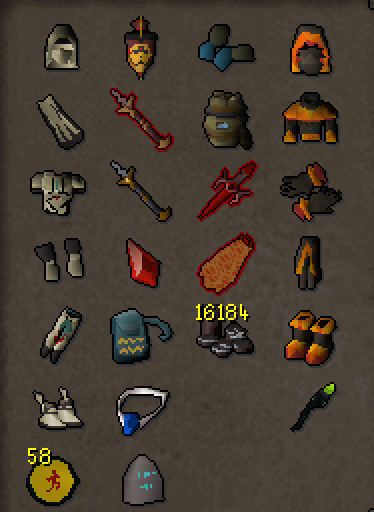
-
I greatly appreciate you. Also forgot to ask - Can I use accounts that are linked to the Jagex launcher to bot on OSBot?
-
Hey guys I am trying to get into Botting and I was wandering if anybody could explain the difference between these three to me. I also have an option "Launch game with mirror mode (beta)" which I don't know if it is related to the actual mirror mode button. Also Mirror mode is greyed out for me so I am unable to click it. Lastly can someone explain which mode is the safest to use. Thank you Kinda Regards
-
- Script name Khal WoodCutter - Trial length - As long as possible - Reason for trial - I want to check it out before I buy it 😛 - Are you ging to give feedback on the script? Yes sirrrrr!

