iEnvy
Members
-
Joined
-
Last visited
-
-
Well i dont really know, is that something that a screenshot taken of the full client could answer?
-
Yeah sadly at the time of purchase, this was a good option for what my major was in school. Stupid me should have put my runescape requirements as a priority in the purchase. Appreciate the help though Muffins. I'll keep trying stuff out.
-
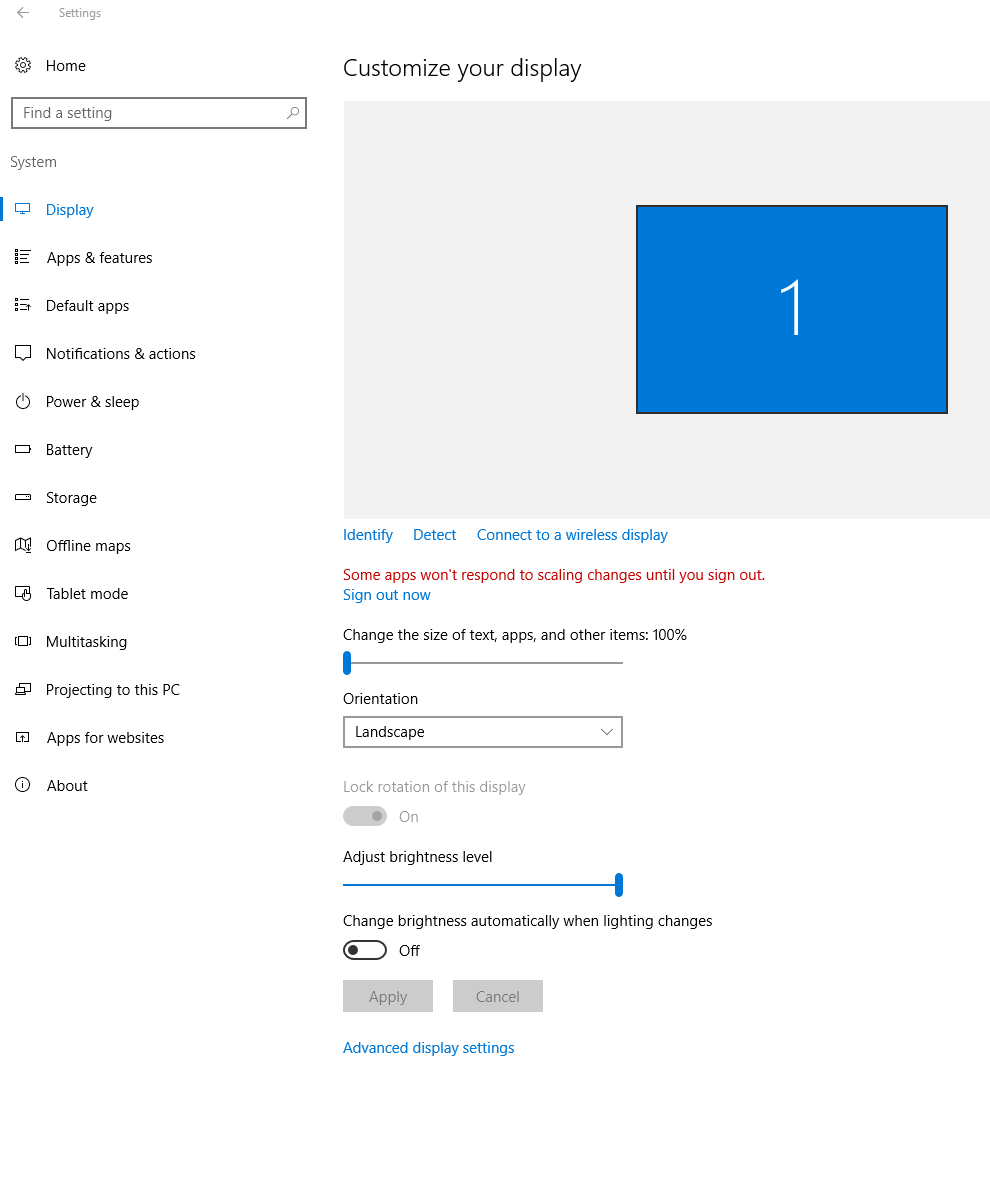
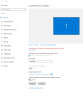
Looks like my Display Resolution setting is currently on 2160x1440 which is recommended by my computer. I tried changing that around and it didnt work either.
-
I am. Windows 10 on a Surface Pro 3. Yes I tried this, I even restarted computer and had the same result. It made everything smaller except for that options window. Also like i said at the top, Its not specific to this one script. It occurs with all scripts I attempt to run.
-
Lemons, If this is what you meant. It didnt solve the problem but appreciate the response.
-
Awesome, I'll try this out when I get home. Really appreciate the response Lemons.
-
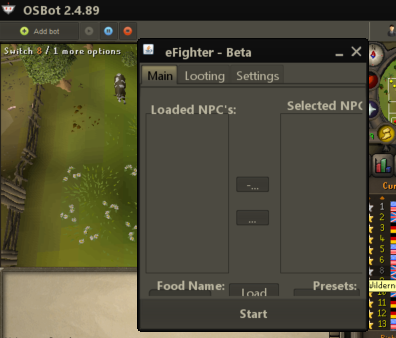
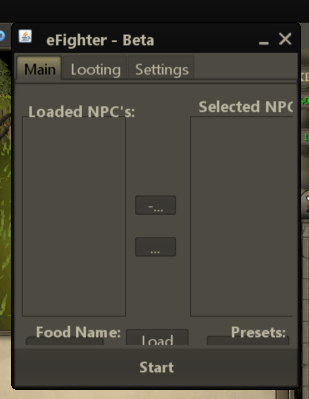
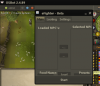
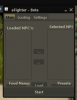
Hello everyone, I am having trouble with what i think is a formatting issue between my computer and the client. It's not specific to just a script, it occurs on any script i try to run. My problem is when i open a script and the options for food, what to kill etc (like below) I am unable to view all the options making it quite difficult to actually utilize the bot. If anyone can help, I'd really appreciate it. If anyone could help me out with some idea on how to fix this, I'd really appreciate it Thanks
-
the usernames are not recycled, been trying to get my original username back for like 8 months, not happy about it.
-
....and maybe this explains my ban today? haha gf
-
-
DAmn man, what went wrong there? bad internet or just got unlucky or what? i use defend knight on regular client mode. whats your settings?
-
New 25 hr Proggie Khal once again, really happy with the script. I urge anyone that needs good pc bot or full void to purchase the script, absolutely worth it. I had a thought though, maybe make the 'defend the knight' option attack anything within the fence to boost the activity of these accounts? Theres a lot of standing around once the npcs stop spawning at the knight. Thanks again, keep up the good work khal!
-
Bug report Template: - Normal client or Mirror client? Normal - What course/ rooftop are you running? Falador Rooftop - What is the issue? Misses the rope about 5-10 times every time it comes to this specific obstacle. - What is the script status, (can be seen in the paint)? Interacting with tightrope - Can you get a print screen of it? Of course Besides this one little bug, I also noticed that this morning when i woke up, I was doing varrock course and my account ended up in the upstairs portion of the general store. Didnt screenshot or anything, just closed bot and reloaded. Just a bit of side info. Proggies from my trial so far: Other than this, I've actually been extremely happy with this script. Most likely looking to buy soon. Thanks again for your great work Khal
-
- Script name: AIO Agility - Your member number: 35308 Please reply if/when i get the trial so i can utilize the full trial before buying.