Flydimir
Members
-
Joined
-
Last visited
-
Flydimir changed their profile photo
-
Could i also get a trial please?
-
Asked for a refund 3 times, all 3 of my posts seem have gotten deleted? If i cant get a refund id appreciate a simple ''no''
-
Im sorry im running against to many issues. Can i have a refund please? Im sure it works great for some people but sadly im one of the unlucky ones.
-
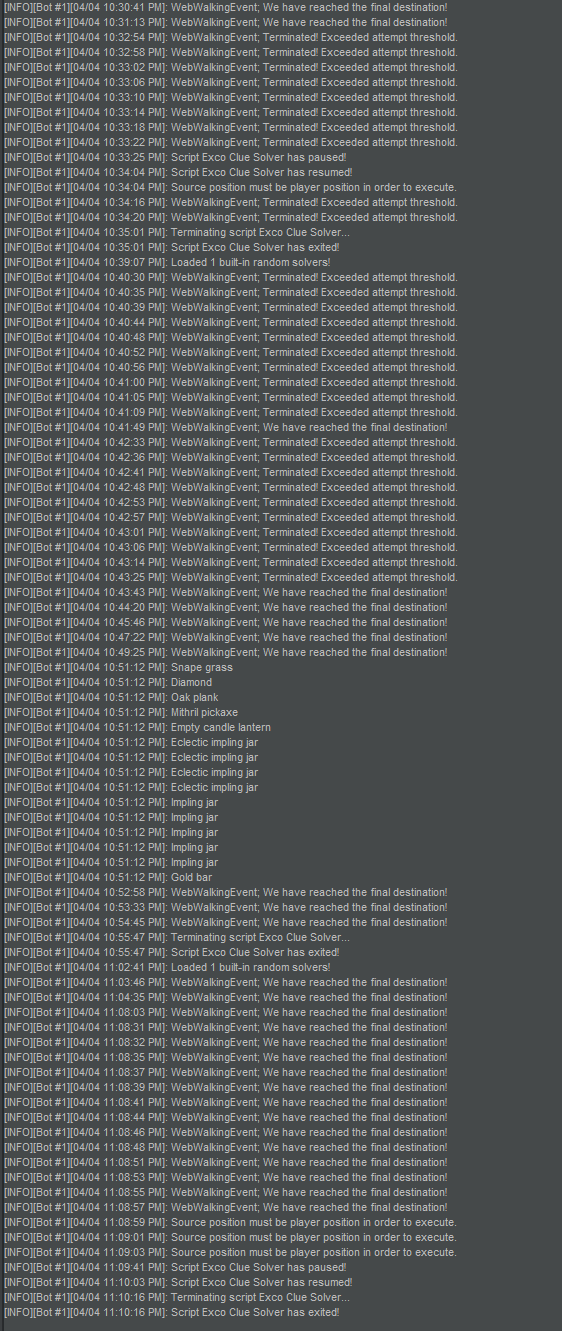
Script Version: 1.7 OSBot Version: 2.5.70 Stealth Injection or Mirror mode: Mirror mode Brief description of the issue: The bot is not interacting with NPC's, for example when it needs to kill someone for a key, it doesnt. when it needs to talk to an npc to charter it doesnt it just stands there, same for gliders, often the bot tries to reach a destination and it just stands there ( example barbarian agility course, it wont click on the pipe to get to where it needs to be ) The bot also spams clicks emotes, if it needs to cry then laugh before speaking to an agent, it will click cry until you stop it, also it sometimes happens that the bot opens a clue, and then wants to open the bank while the clue interface is still open, and it just keeps trying to open the bank (until u close the clue interface manually) pls look into this because this way ur better of doing this clue yourself. I have uploaded part of the logger. Please get back to me.
-
Greetings, Looks pretty dope, is it fully functional and updated? Might buy