






Kodaibear1
Members
-
Joined
-
Last visited
-
Looking for fresh staking acc with 0 duels and no bans
-
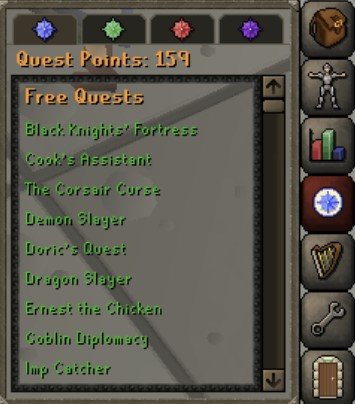
101cb piety acc. Lunars, d defender, fcape, 79 construction almost maxed house... no torso, no void, no bgloves. piety is unlocked.... price check?


-
request sent
-
I am looking to buy a fully quested void account. ideally im looking for a 50atk 45 pray void nh account with heavy ballista unlocked but i can do all that myself if i need to. i just really dont wanna quest the def and get the void
-
-
Any feedback for how well this works with demon butler? Ive tried using eagle scripts construction bot and it always breaks as soon as the demon butler is involved. works well with phials but no human is gonna run back and forth when they have the demon butler option, making it look very botlike
-
Yeah ive tried it how the instructions say probably 100 times, it gets stuck on the butler dialogue whenever the butler comes back, or it just plain cant find him. works just fine with phials but i cant seem to get it to work with the butler
-
Im having this exact same issue as i am typing.. it also doesnt hit my bell or call the demon butler in any way. if he isnt standing right next to my character the bot just moves the mouse around the same 3-4 squares one square away from me

