Dutch Vertigo
Members
-
Joined
-
Last visited
Everything posted by Dutch Vertigo
-
Script turns out to be great. Did 75-85 construction for 5 hours with 12 hour breaks. No ban. Thanks for this script!
-
Ah, my bad sorry. Script works fine now thanks!👌
-
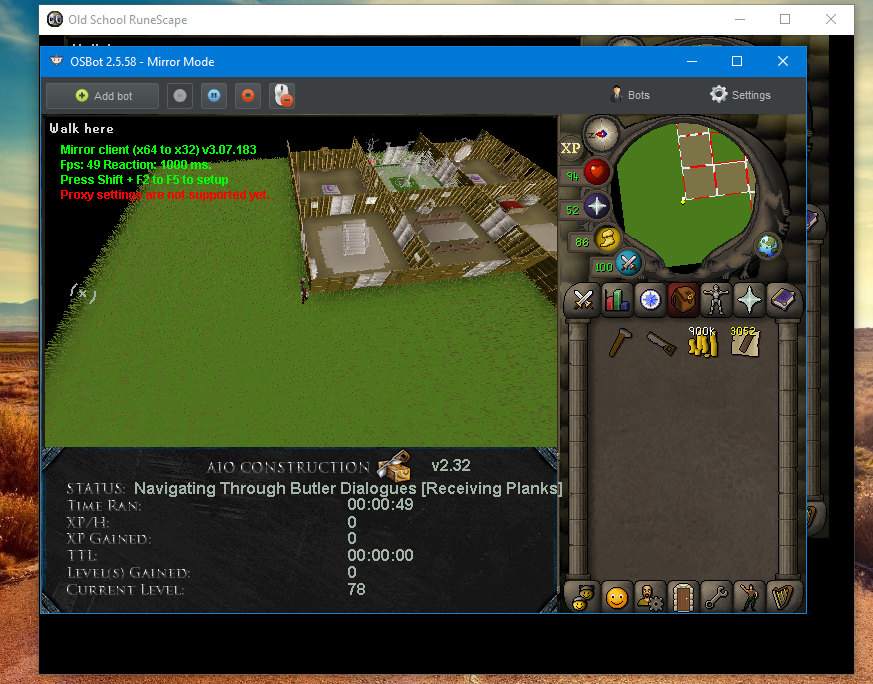
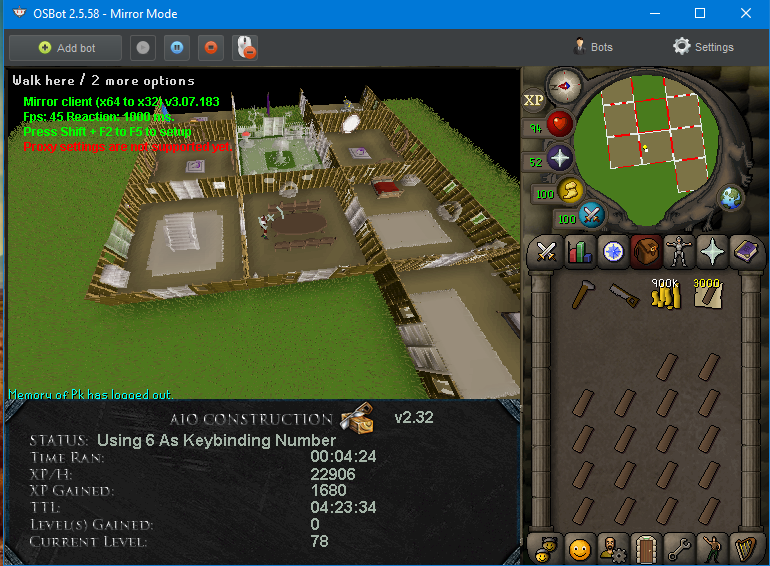
I did, ones it click butler for more planks its stuck and keeps spam clicking. Status: Talk-to Demon Butler [building] Got the inventory as shown in the screenshot in instruction, 50ms, butler waiting with 26 planks.
-
The script keeps getting stuck on talking to butler. If i help it talking to the butler it works for a while and gets stuck again. Talk to demon butler[building] its keeps spam clicking the butler, nothing happens
-
I can't get it to work with butler and mahogony tables.Mahogany Tables, No kitchen, Started the bot inside my house. Gets stuck on butler or house options. Got it to remove and build a few tables but gets stuck on getting new planks.
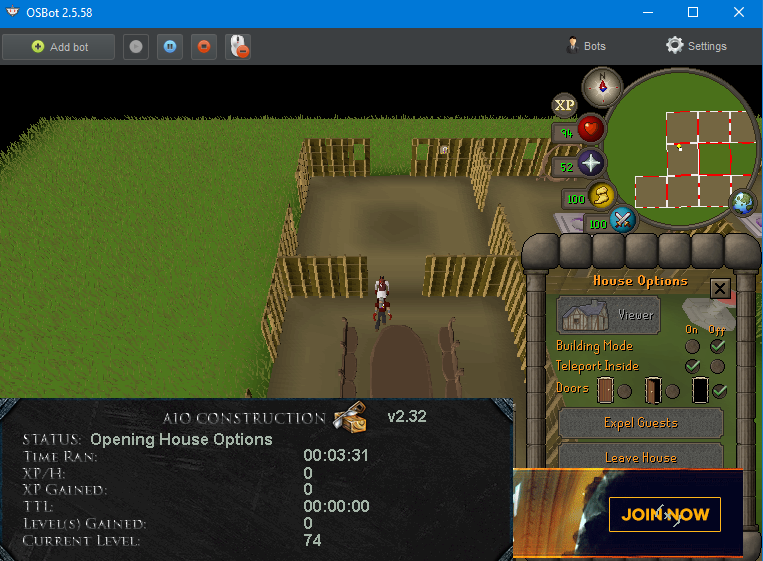 Seems to work, love the custom setting options. Currently the bot is 30min active. Hopefully i don't get banned, if i do is it perm? Thinking about doing it 4-5 hours a day, should be good right ?I believe i do.Script gets stuck when using Demon butler (Doing Mahogany Tables). Can i fix this ?Can i try this script ?Can i get a trail please ?