Jump to content
View in the app

A better way to browse. Learn more.

OSBot :: 2007 OSRS Botting

A full-screen app on your home screen with push notifications, badges and more.

To install this app on iOS and iPadOS
  1. Tap the Share icon in Safari
  2. Scroll the menu and tap Add to Home Screen.
  3. Tap Add in the top-right corner.
To install this app on Android
  1. Tap the 3-dot menu (⋮) in the top-right corner of the browser.
  2. Tap Add to Home screen or Install app.
  3. Confirm by tapping Install.

opfeloaoj

Members
  • Joined

  • Last visited

  1. opfeloaoj started following Spooney
  2. discord l4k#5346 or send me yours
  3. opfeloaoj replied to kanape789's topic in Requests
    hi, i have an uim lvl 81 agility, you want it? it has full graceful
  4. Apparently the script is not working today.
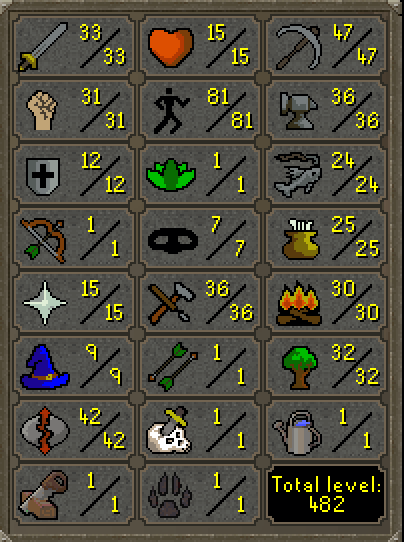
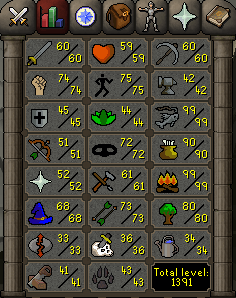
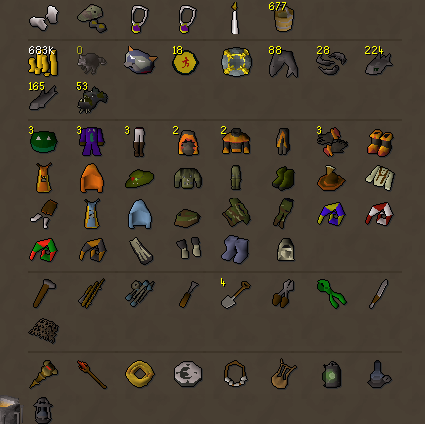
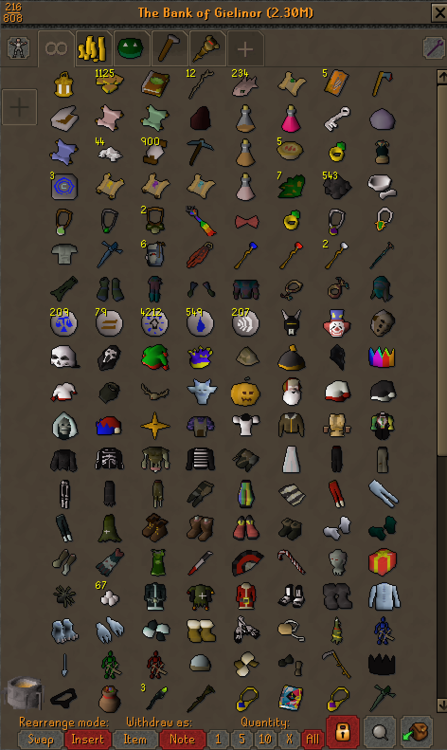
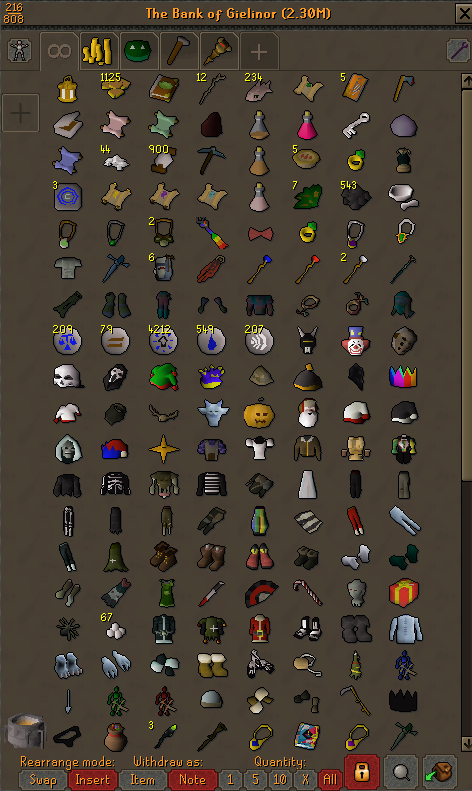
  5. Hello, please I'd like help to price check this UIM account with 350 membership days on it. It has 34QP, waterfall and priest in peril. Inventory is basically only 454 Marks Of Grace, all gathered by hand. I'm not experienced in selling accounts but I have the e-mail which can be changed and two factor authenticator which can be desactivated. Thanks
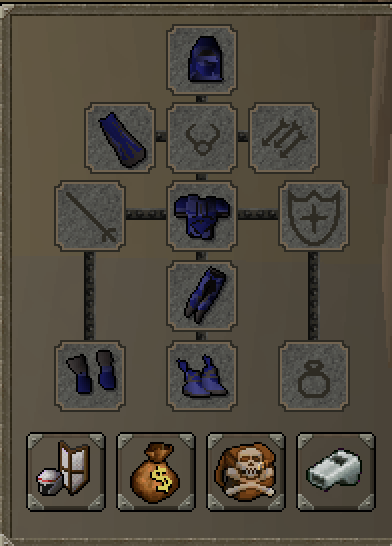
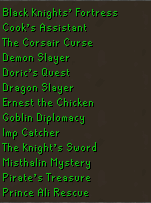
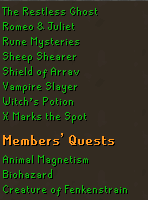
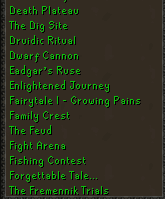
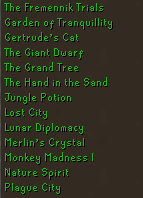
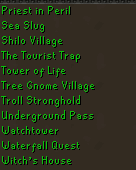
  6. these are the quests done:
  7. sorry, what do you mean quested?
  8. how much for this acc? 125 QP btw
  9. opfeloaoj changed their profile photo
  10. Discord opfeloaoj#3335.

Account

Navigation

Search

Configure browser push notifications

Chrome (Android)
  1. Tap the lock icon next to the address bar.
  2. Tap Permissions → Notifications.
  3. Adjust your preference.
Chrome (Desktop)
  1. Click the padlock icon in the address bar.
  2. Select Site settings.
  3. Find Notifications and adjust your preference.